
Reva
Your local, private ML lab.
Label, train, export and manage datasets and models, all without code. Reva turns your own images into custom AI models, keeps the data on your own hardware, and deploys models to Nara in one step.
[ 01 ]Teach AI your product
From raw images to a production model, on your own machine
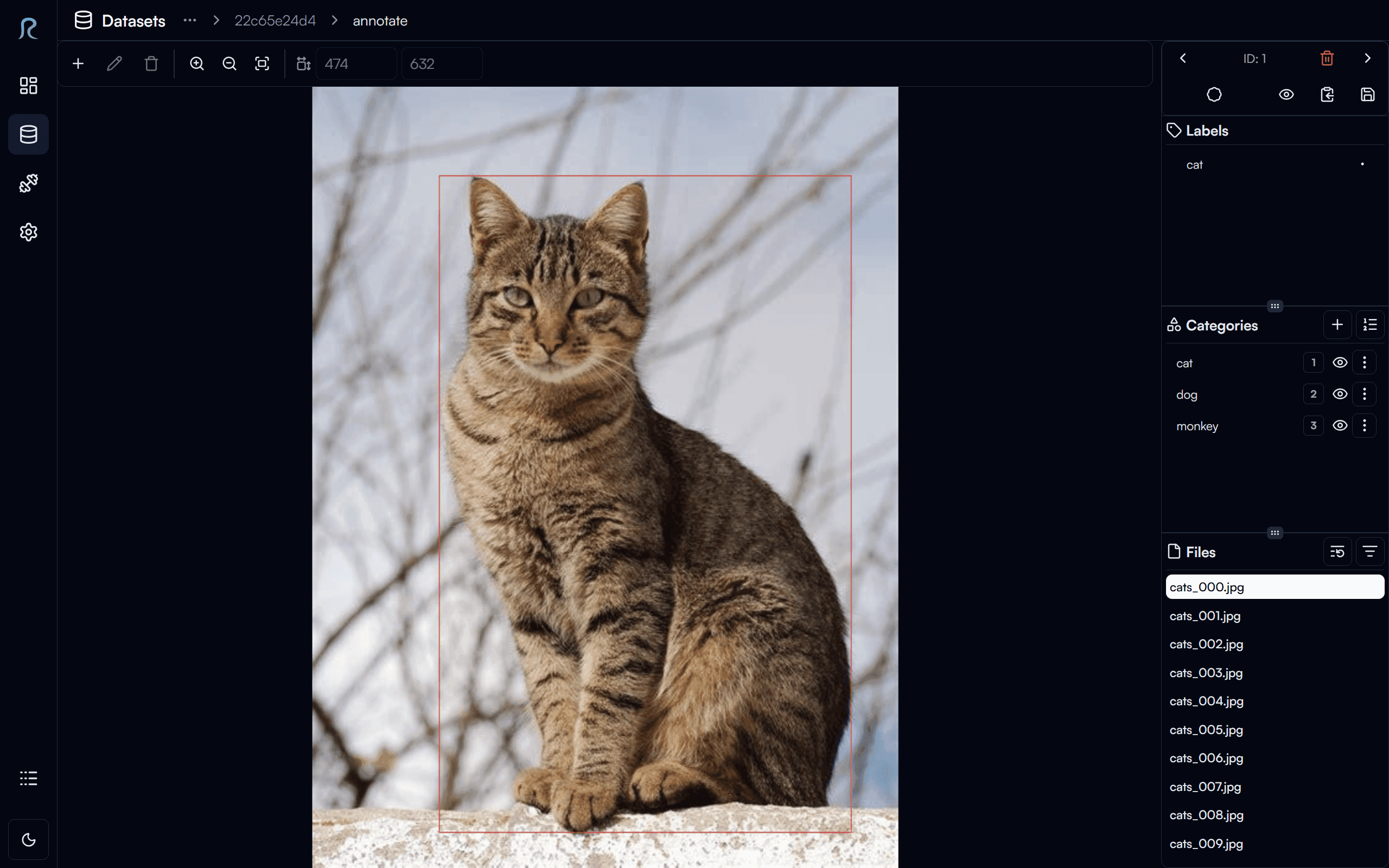
Off-the-shelf AI does not know your products, your parts or your defects. Reva closes that gap. Import or capture images, organise them into versioned datasets, label them with fast annotation tools or let AI pre-label them, balance the data with augmentation, and train detection and classification models with a few clicks. Compare experiments, check the metrics, and export the best model to Nara, where it starts working on the line with no configuration.
[ 02 ]Features
The whole model lifecycle, without code
01
Data and dataset management
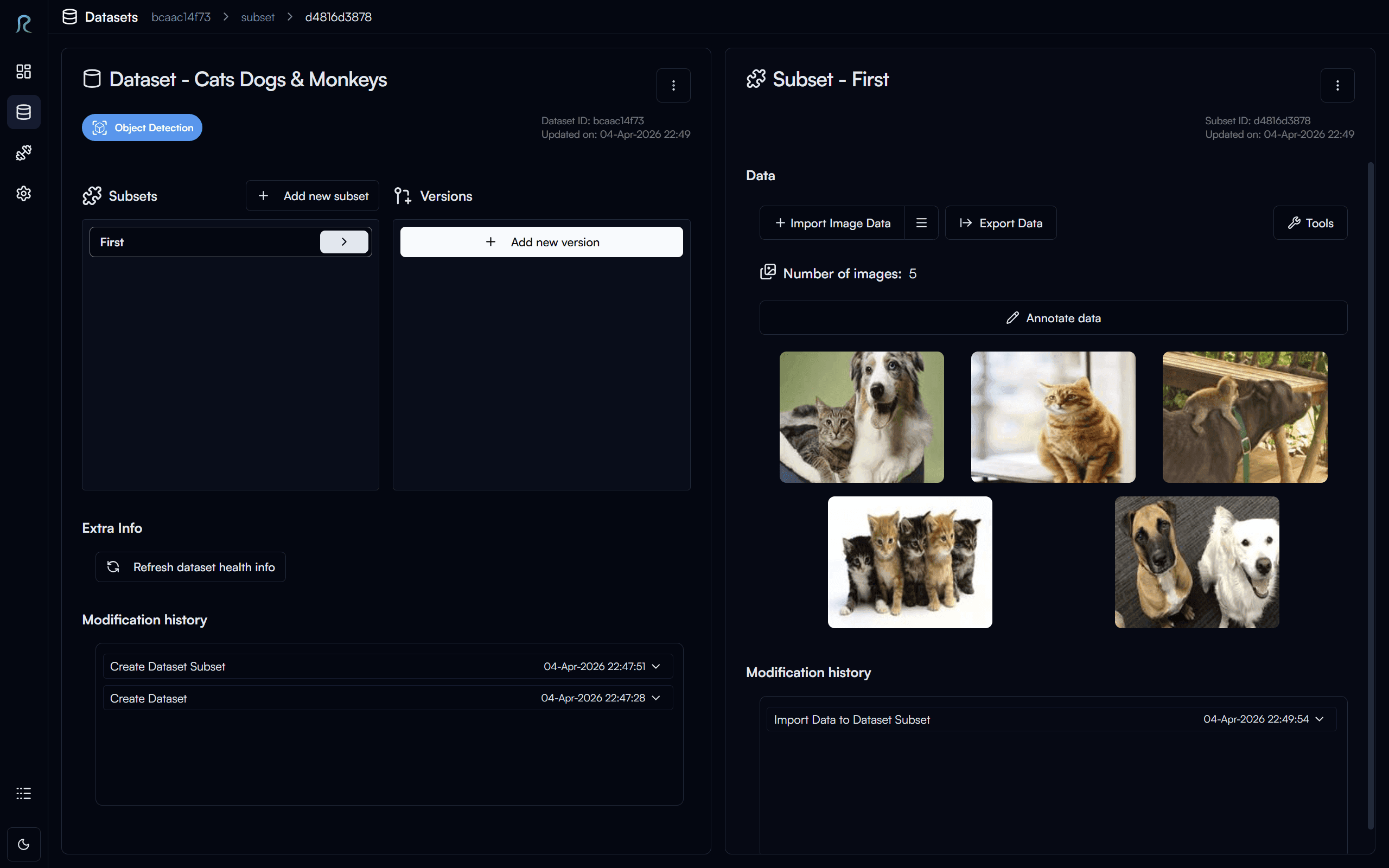
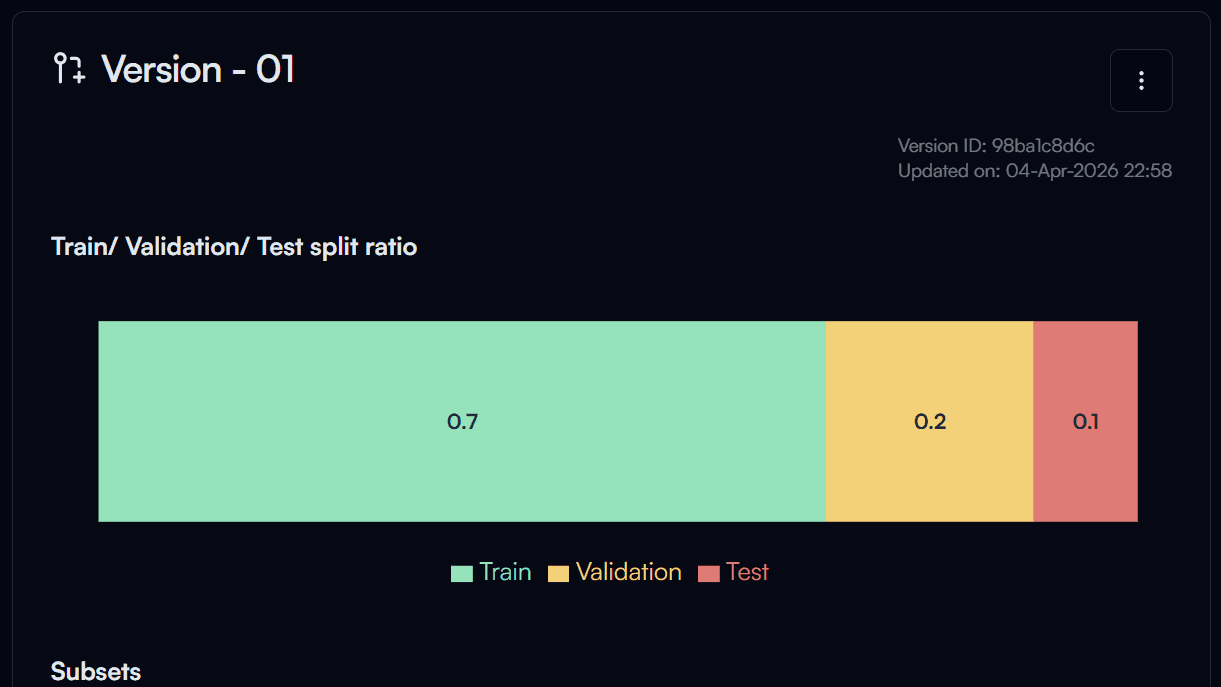
Projects and datasets in one place, with versions and train/validation/test subsets, import from standard formats with conflict handling, and modification history.
02
Annotation and labelling
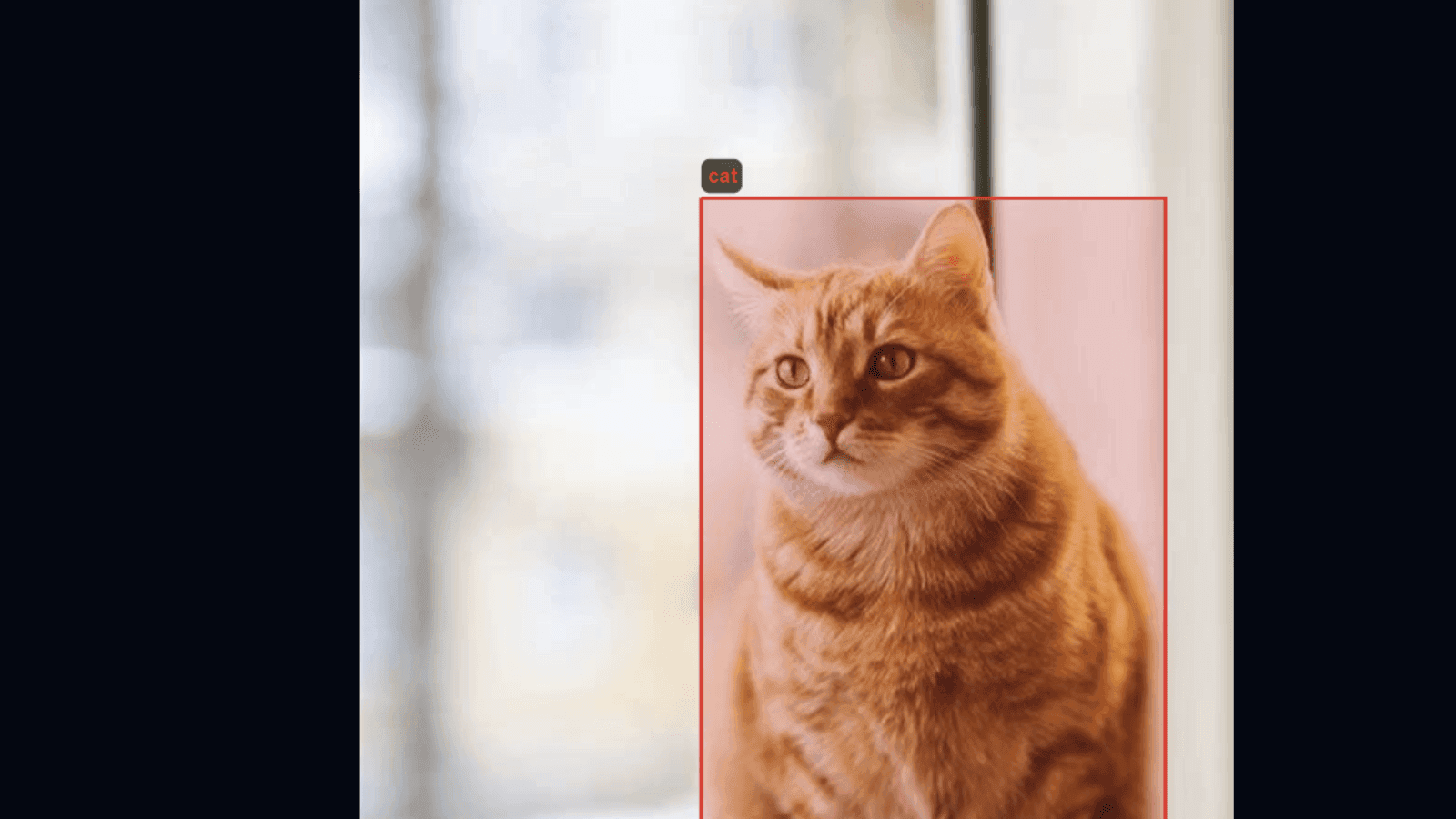
Bounding boxes, rotated boxes, polygons, keypoints, masks and image-level labels, with keyboard shortcuts for high-throughput labelling.
03
Auto-annotation
Pre-label images with zero-shot foundation models from a text prompt, or with your own trained models, then review and correct. Augmentation reduces bias and multiplies training data.
04
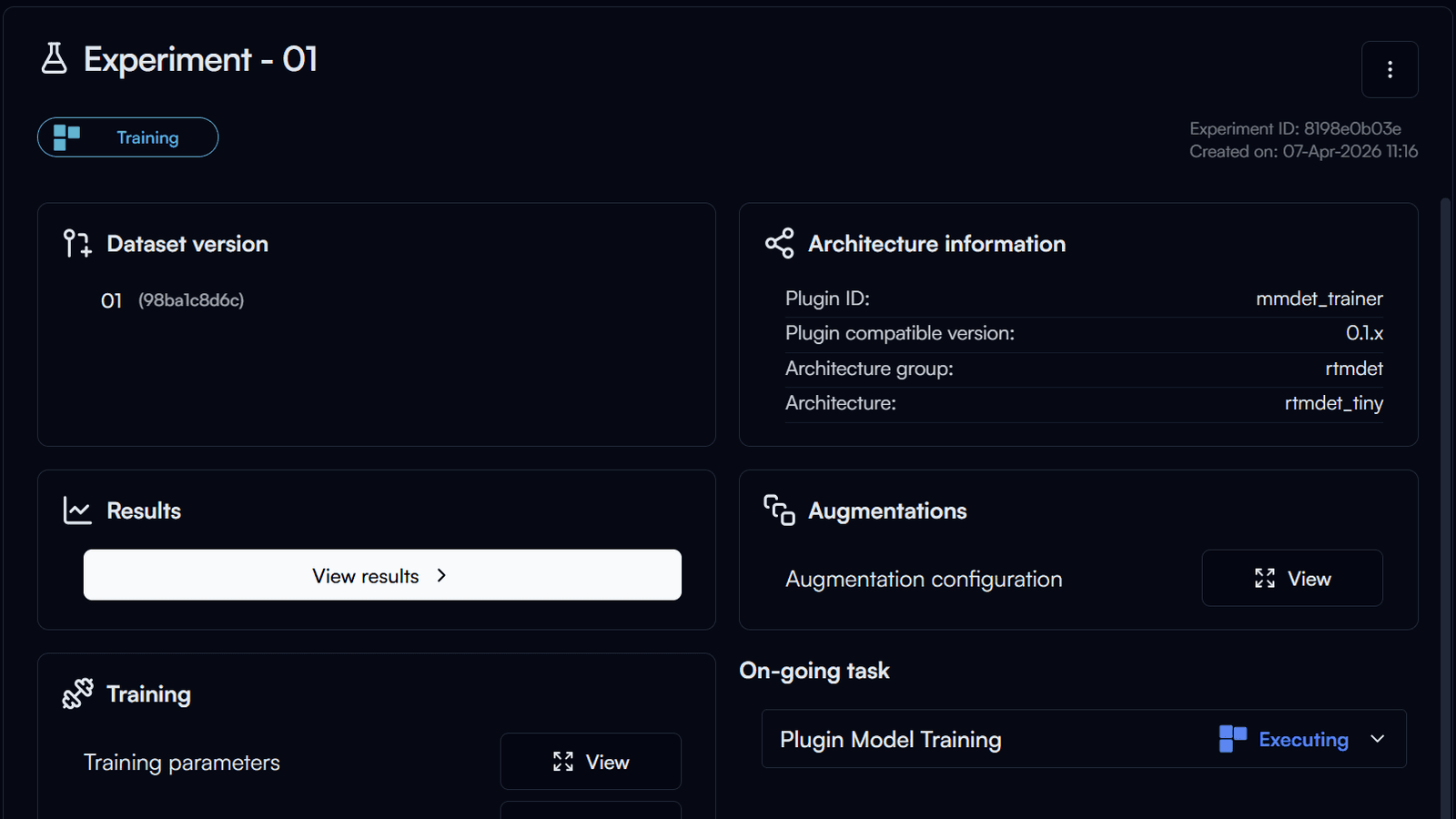
Training and evaluation
Experiments with configurable augmentation, hyperparameters and schedules, a training queue, live loss curves and metrics, early stopping, and side-by-side comparison. Automatic hyperparameter tuning on eligible tiers.
05
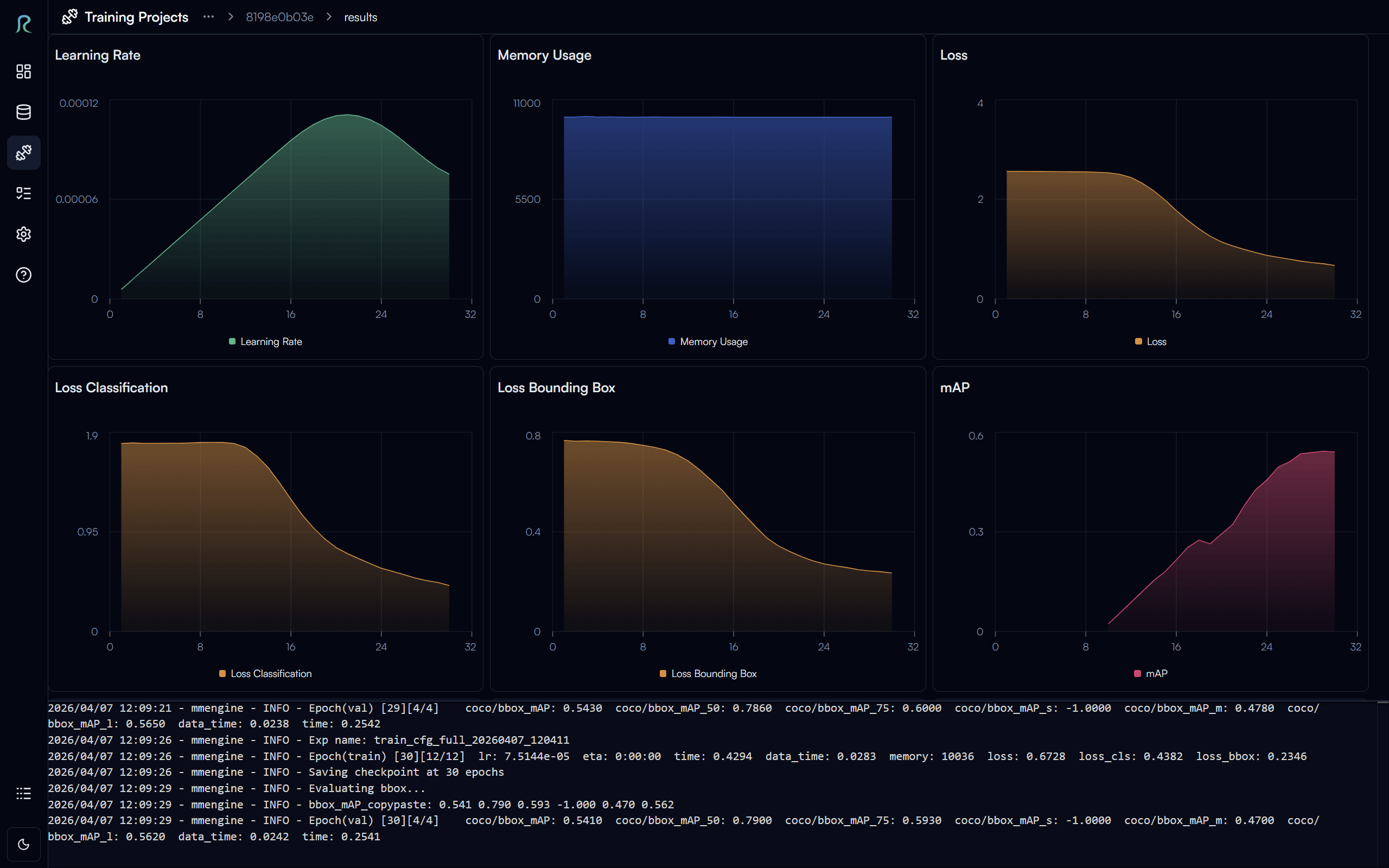
Results you can trust
Check mAP and other metrics, logs and ETA as models train, and pick the best experiment.
06
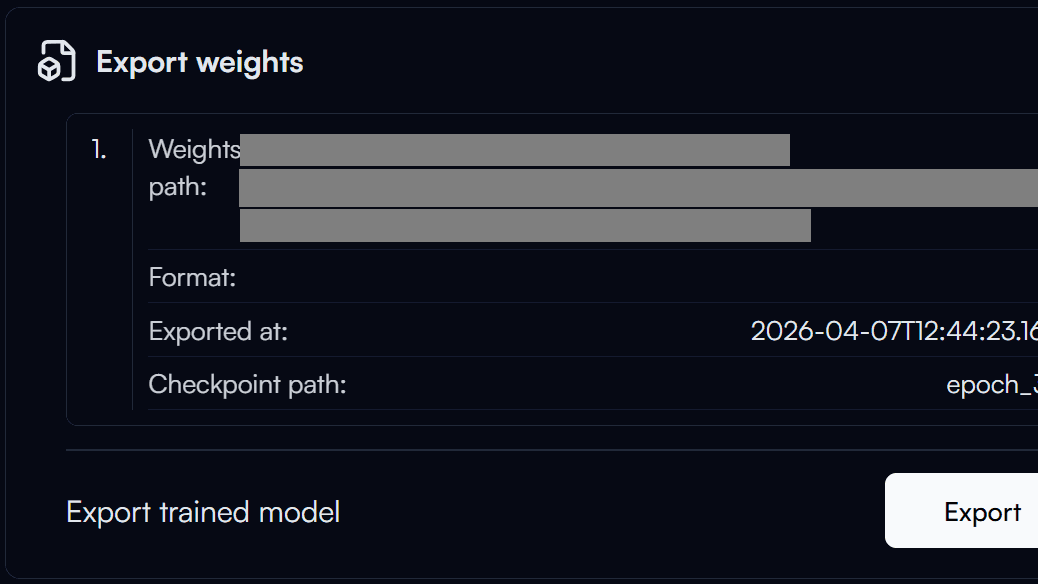
Export and deployment
Export as a Nabrio Model (NAM) for plug-and-play deployment in Nara, as ONNX for other runtimes, or as PyTorch for further development.
[ 03 ]Reva and Nara
Train it here. Run it there. Improve it with what Nara sees.


01 · train
Reva
Label, auto-label and train models on your own images.
- model → NAM, no config
02 · run
Nara
Run it in a flow that senses, decides and acts, on your hardware.
- new production images → retrain
[ 04 ]Who it’s for
What Reva gives each team
- QA and process engineersCustom defect and part models without needing a data scientist.
- Annotation teamsFast labelling tools, AI-assisted auto-annotation, and review roles.
- Data and ML teamsVersioned datasets, repeatable experiments, standard formats, and export to ONNX and PyTorch.
- IT and complianceTraining on-premise, with no images uploaded to third-party clouds.
- BusinessesLower cost than outsourcing, and ownership of their data and their models.
- Solution buildersCustom models for the products they build on Nara, and their own training engines through MCP-based plugins.
[ 05 ]Vision tasks
What you can label and train today
| Task | Label | Auto-annotate | Train |
|---|---|---|---|
| Object detection | ✓ | ✓ | ✓ |
| Image classification (single label) | ✓ | ✓ | ✓ |
| Multi-label image classification | ✓ | ✓ | ✓ |
| Instance, semantic and panoptic segmentation | ✓ | Coming | |
| Keypoint detection | ✓ | Coming |
Training plugins currently available: MMDet and RF-DETR for object detection, and image classification (single and multi-label). More are in development. Plugins use the open Model Context Protocol (MCP), so partners and customers can add their own training engines.
[ 06 ]Data formats
Bring your existing datasets
| Format | Import | Export |
|---|---|---|
| COCO / COCO (Reva) | ✓ | ✓ |
| Pascal VOC (standard and flat / LabelImg) | ✓ | ✓ |
| YOLO (Ultralytics, Darknet, Roboflow; flat / LabelImg) | ✓ | ✓ |
| Image classification folders | ✓ | ✓ |
| Image classification TXT / CSV | ✓ |
[ 07 ]Local-first
Private and multi-user
Reva runs on your own workstation or server, so images and models stay on-premise. Six roles support team workflows: Super Admin, Admin, Trainer, Annotator, Annotation Supervisor and Monitor. Optional cloud backup is available on eligible tiers.
[ 08 ]Platforms
Windows 11 workstation
Annotation works on an ordinary PC. Add an NVIDIA GPU when you are ready to train.
| Use | Minimum |
|---|---|
| Annotation only | 2 GHz quad-core CPU, 8 GB RAM, 500 MB plus dataset storage |
| Training | 2 GHz hexa-core CPU, 16 GB RAM, 10 GB storage, NVIDIA GPU (RTX 3060 / 8 GB VRAM or better recommended) |
Teach AI your products.
Tell us what your models need to recognise, and we’ll show you how Reva and Nara take it from images to the production line.