
Face recognition access control with anti-spoofing
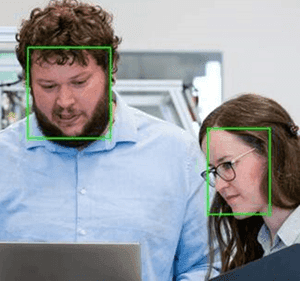
Nara recognises enrolled people at doors and gates, with anti-spoofing that rejects photos and screens, and opens the door through digital I/O. It can combine face recognition with a PPE check or a metal detector, so the gate opens only when every condition is met, and every entry is logged.
[ 01 ]The problem
Entry to hygiene, hazardous or secure areas must be limited to the right people, properly equipped.
- 01inputCamera at the door or gate, plus optional sensors
- 02processFace recognition with anti-spoofing, and optionally a PPE check or metal detector result
- 03actionOpen the door or gate only when every condition is met, and log every entry
How it works
Nara detects the face, rejects photos and screens with its anti-spoofing models, and matches the face against your known-face gallery. It can also check PPE and read sensors such as a metal detector. When every condition is met, it opens the door or gate through digital I/O, and every entry is logged.
Works with Nara’s built-in models. You set up the zones, rules and outputs.
[ 02 ]Variations
The same building blocks, applied a few ways.
- 01
Face-recognition door access
Recognise enrolled people, with anti-spoofing that rejects photos and screens, and open the door through I/O.
- 02
Conditional entry
Combine vision and sensor results, such as PPE and a metal detector, before opening the gate.
- 03
Licence-plate barrier control
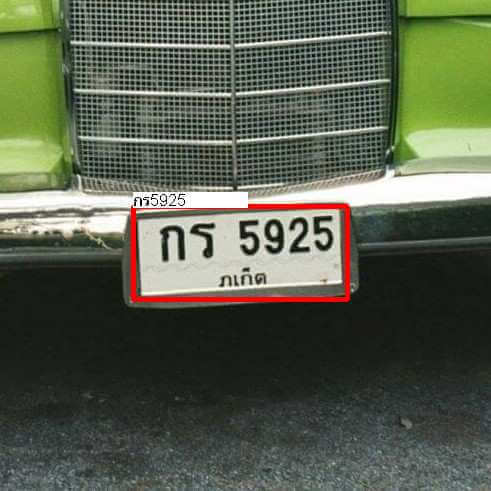
Read the plate, check it against the allow-list, open the barrier and log time in and out. See licence plate recognition.
What you need
- A camera at the door or gate
- A door or gate controller with digital I/O or Modbus
- Photos of enrolled people for the known-face gallery
Nara building blocks
- Camera nodes
- Face detection and recognition
- Face anti-spoofing
- Known-face gallery (shared across paired devices)
- PPE detection (optional)
- If logic
- Digital I/O to the door or gate
- Database table
- AI model: Face detection and recognition
- AI model: Face anti-spoofing and quality
- AI model: PPE detection
What it improves
- Unauthorised entries
- Audit trail
- Staff time at the door
[ 03 ]Where it runs
Proof from real deployments.

FAQ
Questions, answered.
Can it be fooled with a photo?
Nara’s anti-spoofing models reject photos and screens held up to the camera.
Where is face data stored?
On your own hardware. Known-face galleries stay on-site and are shared only between your paired Nara devices.
Related
Related use cases
 cameranara sees
PPE detection
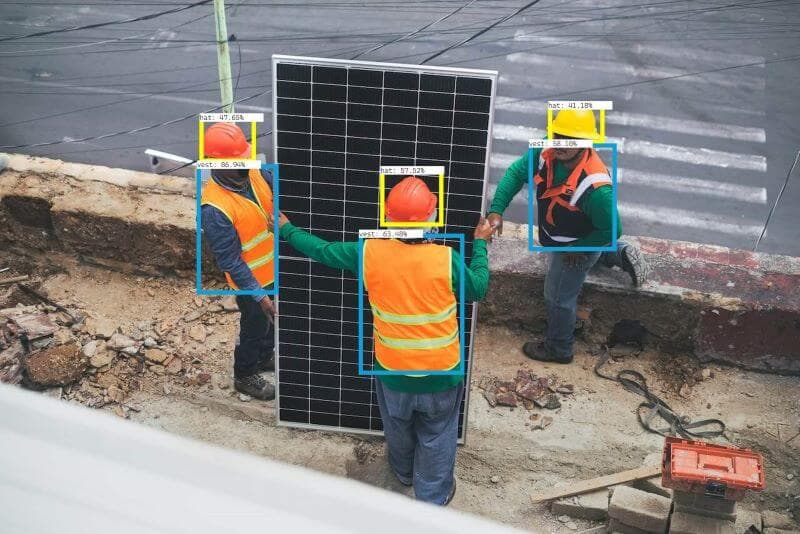
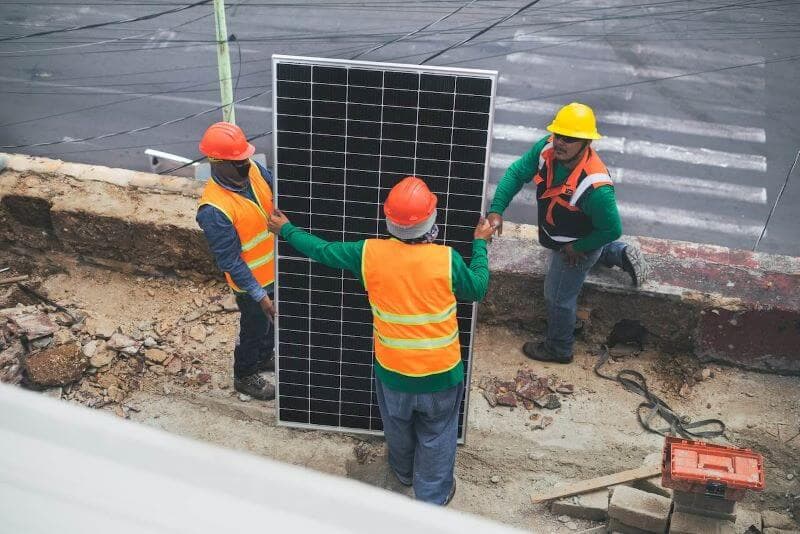
PPE rules (helmets, vests, masks, hairnets, gloves, coats) are hard to enforce at all times in every area.
 cameranara sees
Licence plate recognition
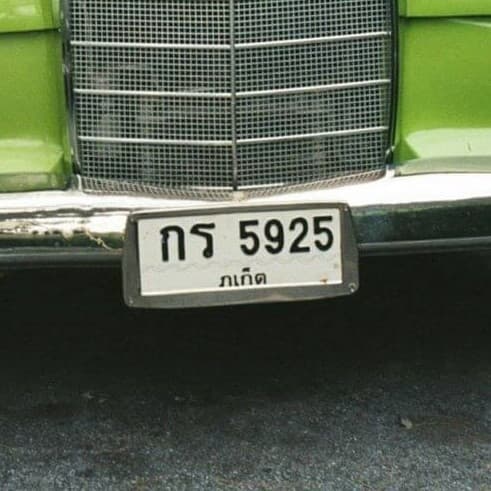
Vehicles entering and leaving a site are logged by hand at the gate, and parking and enforcement need a reliable plate record.
Intrusion detection
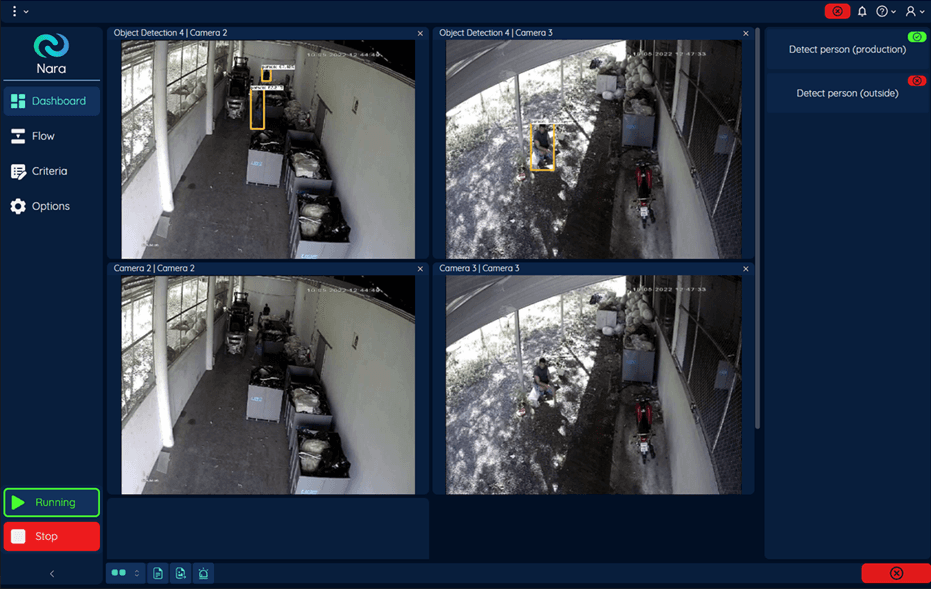
Sites need to know straight away when people or vehicles enter closed areas after hours, without a guard watching every screen.
Talk to us about face recognition access control.
Tell us about your site, cameras and machines, and we’ll show you how it runs on your own hardware, or download Nara and try it yourself.