
AI sorting and grading by type, colour, grade or code
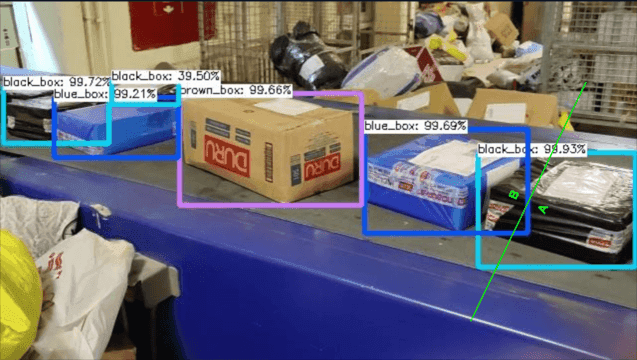
Nara classifies each product by type, colour, grade, code or printed text, and tells the PLC which bin or lane it belongs in. Colour and code sorting works out of the box; product types and quality grades are trained in Reva.
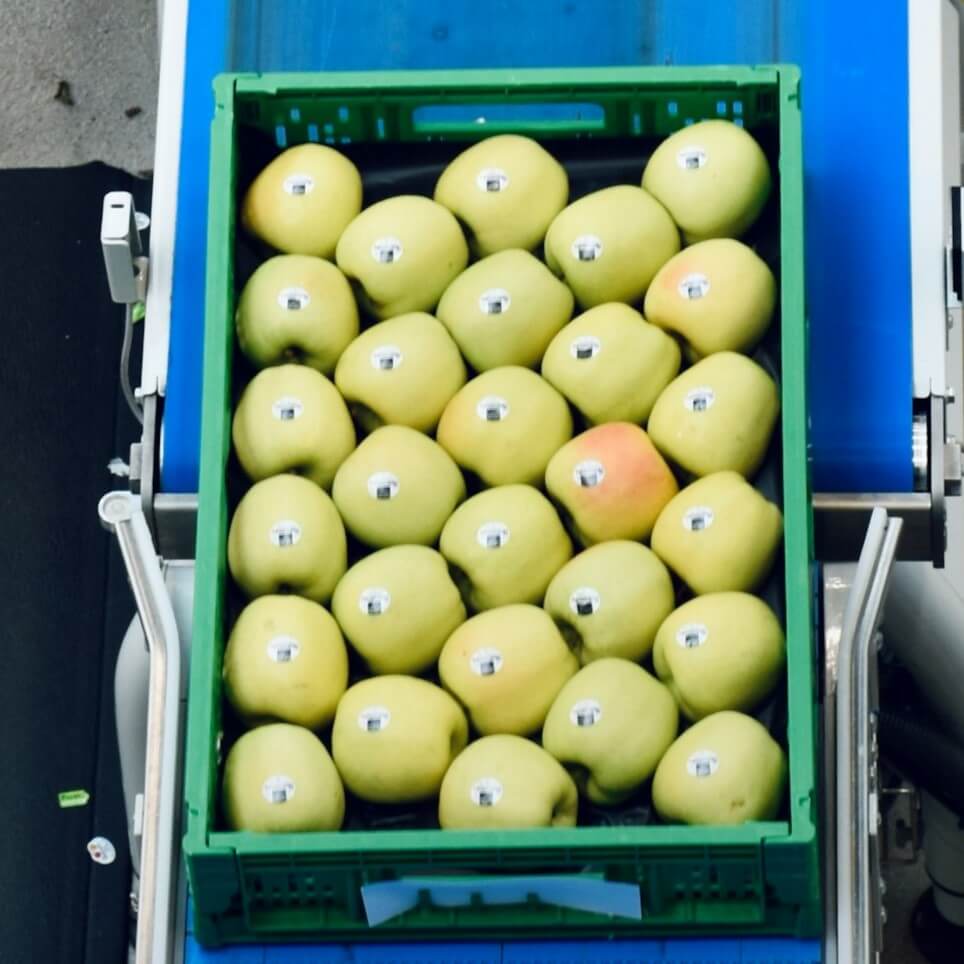
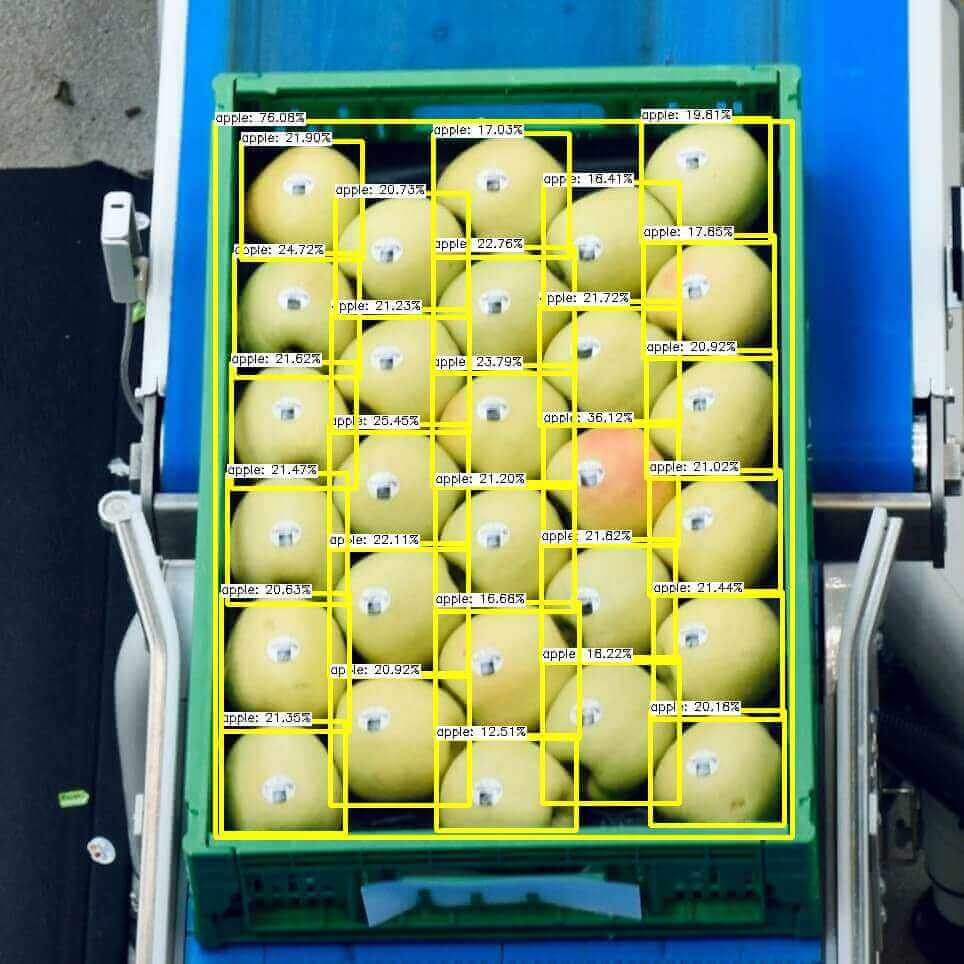
[ 01 ]The problem
Sorting products by type, grade or destination by hand is slow and inconsistent.
- 01inputCamera over the line
- 02processClassify by type, colour, grade, code or text
- 03actionThe PLC drives the sorting mechanism to the correct bin or lane
How it works
For colour and codes, Nara’s colour detection, thresholds, code reader and OCR classify each item with no training. For product types and quality grades, a classification model trained in Reva does the job. A switch/case node maps each class to a bin or lane and writes it to the PLC, which drives the sorter.
We train a model on your own products or defects in Reva, and Nara runs it on the line. Colour and code sorting works with built-in tools.
What you need
- A camera over the line, with consistent lighting
- A PLC controlling the sorting mechanism, reachable over Modbus or TCP/IP
- For types and grades: labelled images to train a model in Reva
Nara building blocks
- Camera nodes
- Colour detection and thresholds
- Code reader and OCR
- Classification model (Reva)
- Switch / case
- Modbus to PLC
- AI model: Barcode and QR code reading
- AI model: OCR (text reading)
What it improves
- Sorting throughput
- Grading consistency
- Manual labour
[ 03 ]Where it runs
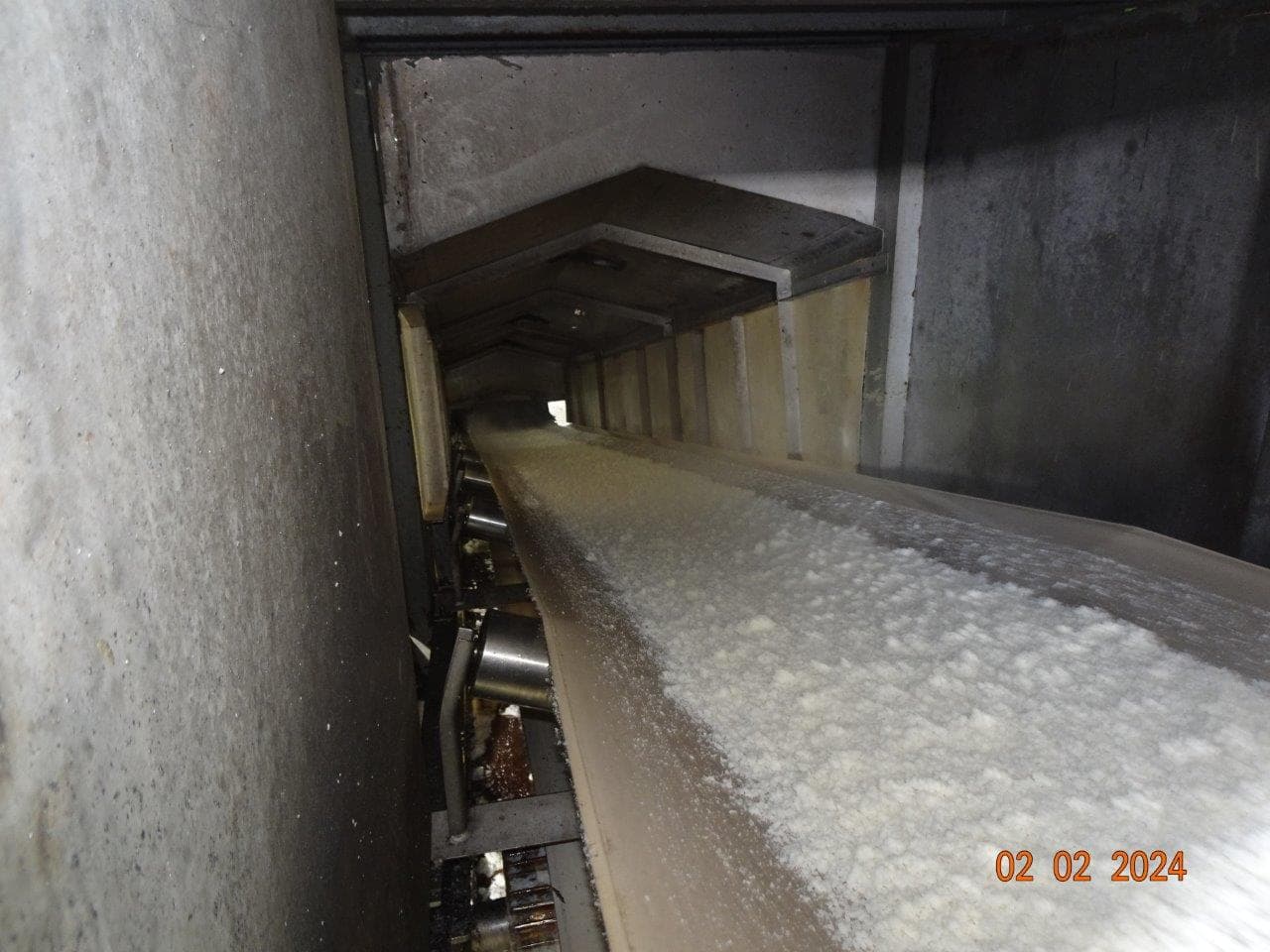
Proof from real deployments.
FAQ
Questions, answered.
Do we need deep learning for grading?
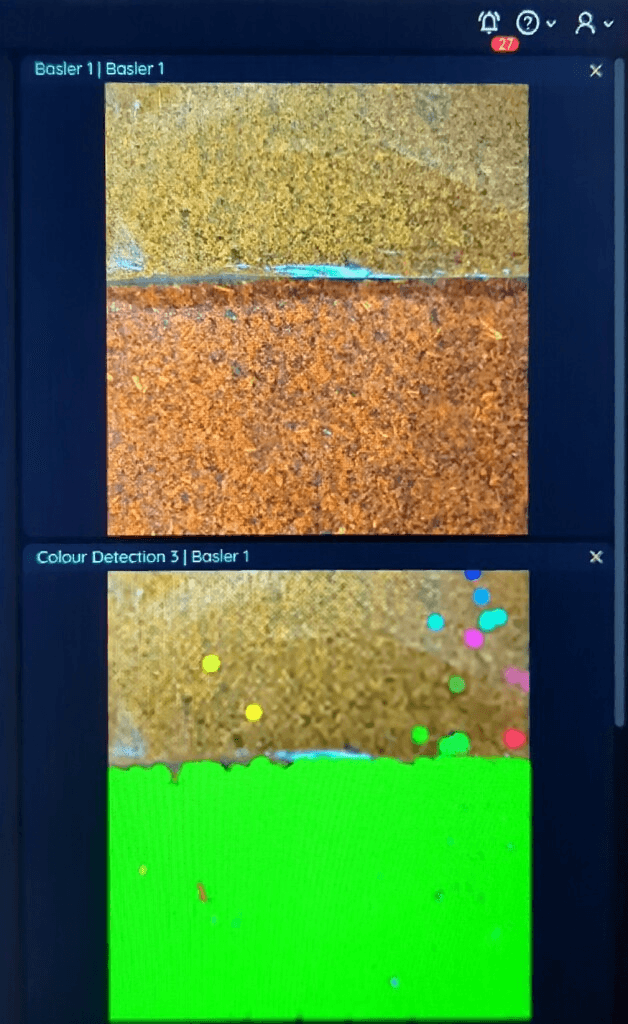
Not always. Our chili powder grading deployment uses Nara’s colour detection and thresholds, with no training data. Grades that depend on shape or texture are trained in Reva.
Related
Related use cases

 cameranara sees
Visual quality inspection
Visual inspection by people is inconsistent and tiring, and it cannot keep up with line speed or cover every item.
 cameranara sees
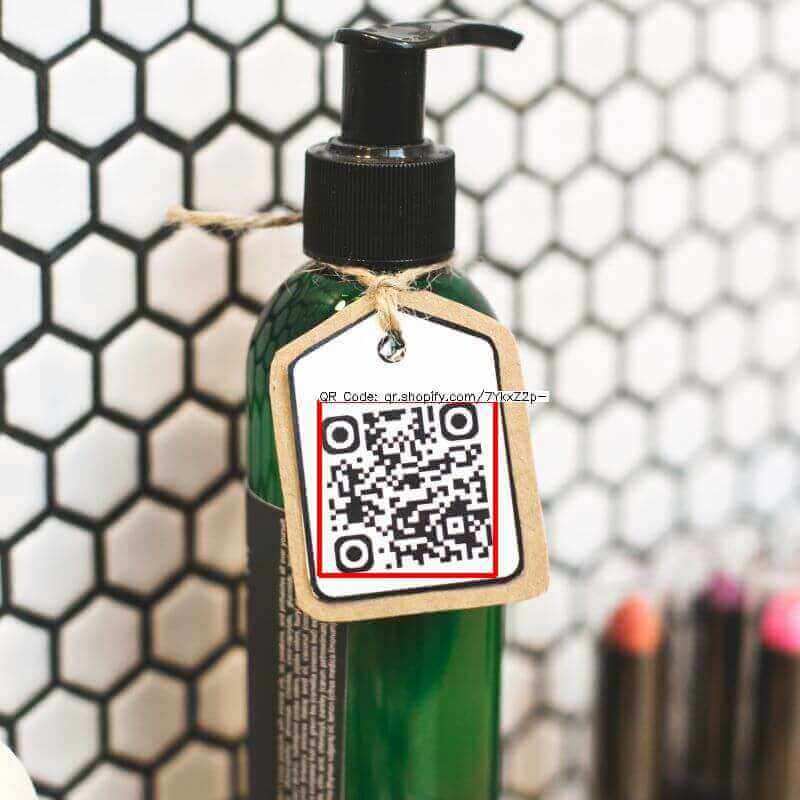
Barcode and label inspection
Manual scanning is slow and misses items, and a wrong lot number, expiry date or allergen label means recalls and penalties.
Item and pallet counting
Manual counts of output, pallets, parts or batches are slow, error-prone and never real-time.
Talk to us about sorting and grading.
Tell us about your site, cameras and machines, and we’ll show you how it runs on your own hardware, or download Nara and try it yourself.