
Footfall heatmaps, zone traffic and dwell time
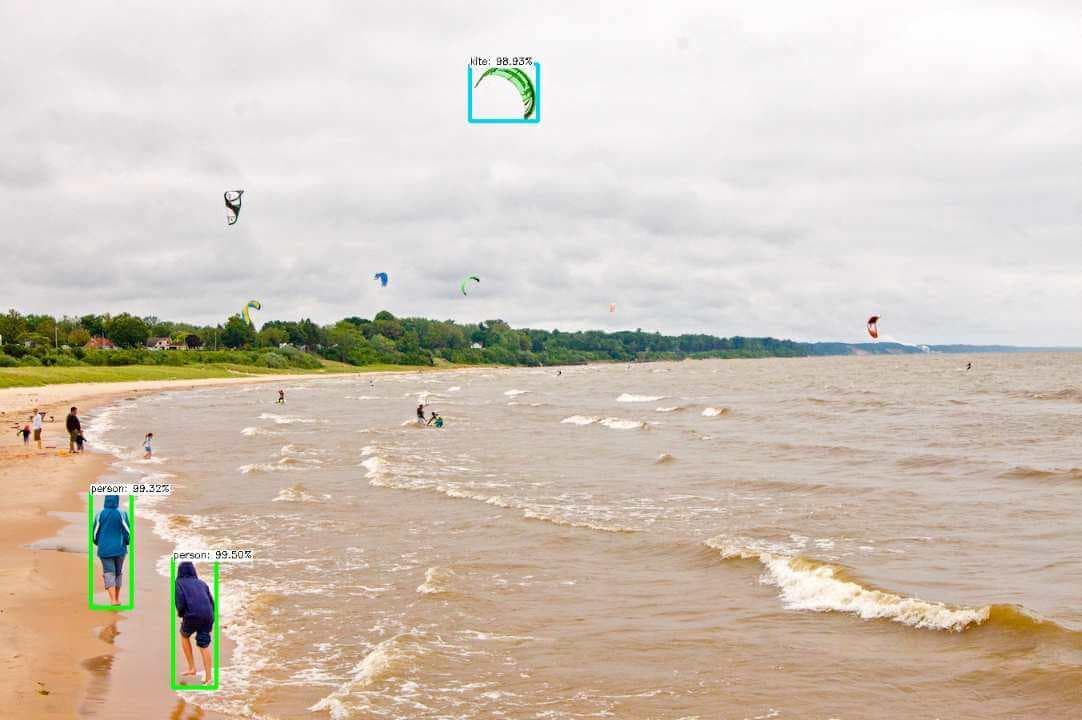
Nara tracks people through your space and shows visits per zone, paths and heatmaps, so you can see which areas, stores and displays attract or lose traffic. Dwell time and head pose show how long people stay and where they look.
[ 01 ]The problem
Operators can count visitors, but cannot see where they go, how long they stay or what catches their attention.
- 01inputCameras over stores, aisles or work areas
- 02processTracking for visits per zone, paths and dwell time; head pose and gaze for attention
- 03actionHeatmaps and engagement on dashboards, with data stored for analysis
How it works
Nara tracks each person across the camera view, counts visits per zone, measures how long people stay, and builds heatmaps of where they go. Head pose and gaze estimation shows where people look, such as at a display, window or screen. Results are stored in the database and shown on dashboards.
Works with Nara’s built-in models. You set up the zones, rules and outputs.
[ 02 ]Variations
The same building blocks, applied a few ways.
- 01
Zone traffic and heatmaps
Visits per zone, paths and heatmaps show which areas, stores and displays attract or lose traffic.
- 02
Engagement: dwell time and attention
Time spent in each zone, and where people look, measure engagement per display or campaign.
- 03
Factory operations analytics
Dwell time per zone, heatmaps, cycle times, and people and vehicle movement show bottlenecks, idle stations and movement waste.
What you need
- Cameras over the areas you want to measure
- A PC, server or NVIDIA Jetson running Nara
Nara building blocks
- Camera nodes
- People detection
- Tracker with zone counts, dwell time and heatmap
- Head pose and gaze
- Database table
- Dashboard
- AI model: Object tracking and analytics
- AI model: Head pose and gaze
- AI model: People detection
What it improves
- Store and display performance
- Layout decisions
- Bottlenecks removed in operations
[ 03 ]Where it runs
Proof from real deployments.
FAQ
Questions, answered.
Can we use the cameras we already have?
Usually, yes. Nara reads standard IP cameras over RTSP, as well as Basler industrial cameras, USB webcams and video files.
Does any video leave the site?
No. Nara processes video on your own hardware. Data is sent elsewhere only if you build a flow that sends it, for example an alert to your own MQTT broker.
Related
Related use cases
 cameranara sees
People counting
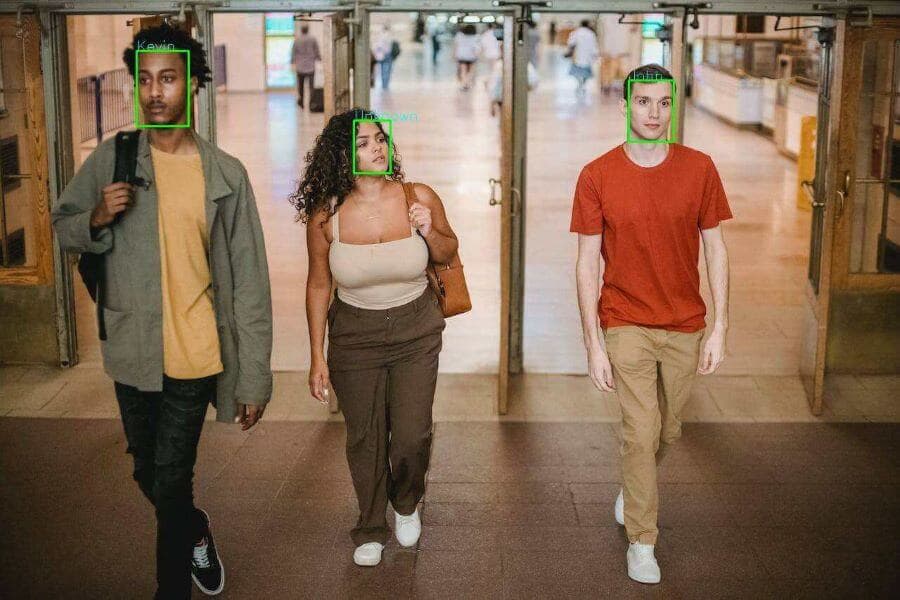
Simple door counters double-count people who return or use several entrances.
 cameranara sees
Visitor demographics
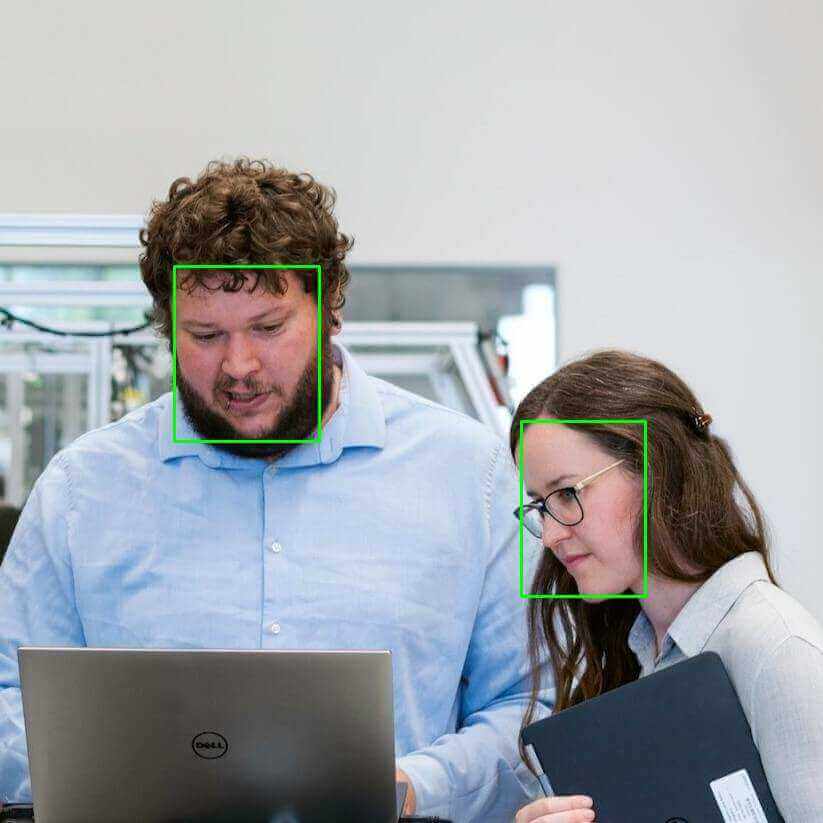
Operators know how many people visit, but not who they are, which makes tenant, marketing and event planning guesswork.
Queue monitoring
Long queues lose customers, and in factories work-in-progress builds up unseen until it stops the line.
Talk to us about heatmaps and dwell time.
Tell us about your site, cameras and machines, and we’ll show you how it runs on your own hardware, or download Nara and try it yourself.