
Queue monitoring and waiting-time alerts
Nara counts the people in a queue zone and how long they wait, and calls more staff when the queue passes your threshold. In factories, the same approach watches buffer zones and staging areas, so work-in-progress does not build up unseen.
[ 01 ]The problem
Long queues lose customers, and in factories work-in-progress builds up unseen until it stops the line.
- 01inputCamera on the checkout, counter, buffer or staging area
- 02processCount people or items in the zone and their waiting time
- 03actionAlert when a threshold is passed, with the trend on the dashboard
How it works
Draw the queue or buffer zone. Nara counts the people or items in it and measures how long each one has waited. When the count or waiting time passes your threshold, it notifies staff on Teams, Telegram or email, and the trend is shown on the dashboard.
Works with Nara’s built-in models. You set up the zones, rules and outputs.
[ 02 ]Variations
The same building blocks, applied a few ways.
- 01
Checkout and counter queues
Count people in the queue zone and their waiting time, and call more staff when the queue passes a threshold.
- 02
Backlog and buffer monitoring
Count items or people in buffer zones, queues or staging areas, and alert when a threshold is passed.
What you need
- A camera over the queue or buffer zone
- A PC or edge device running Nara
Nara building blocks
- Camera nodes
- People and object detection
- Tracker with zone counts and dwell time
- If
- Notifications
- Dashboard
- AI model: People detection
- AI model: Object tracking and analytics
What it improves
- Waiting time
- Lost customers
- Line stoppages
FAQ
Questions, answered.
Can we use the cameras we already have?
Usually, yes. Nara reads standard IP cameras over RTSP, as well as Basler industrial cameras, USB webcams and video files.
Related
Related use cases
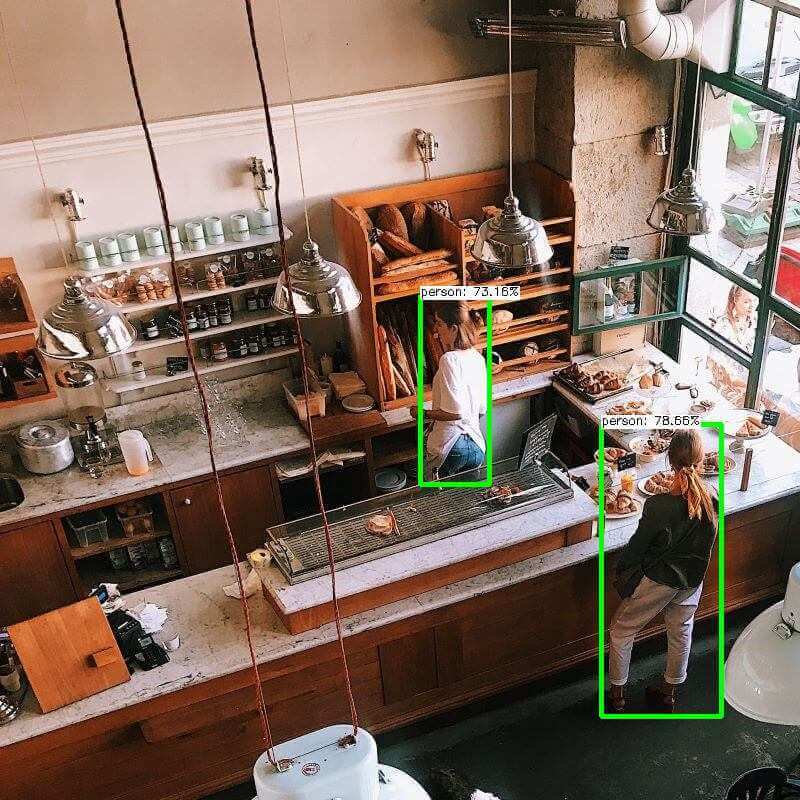
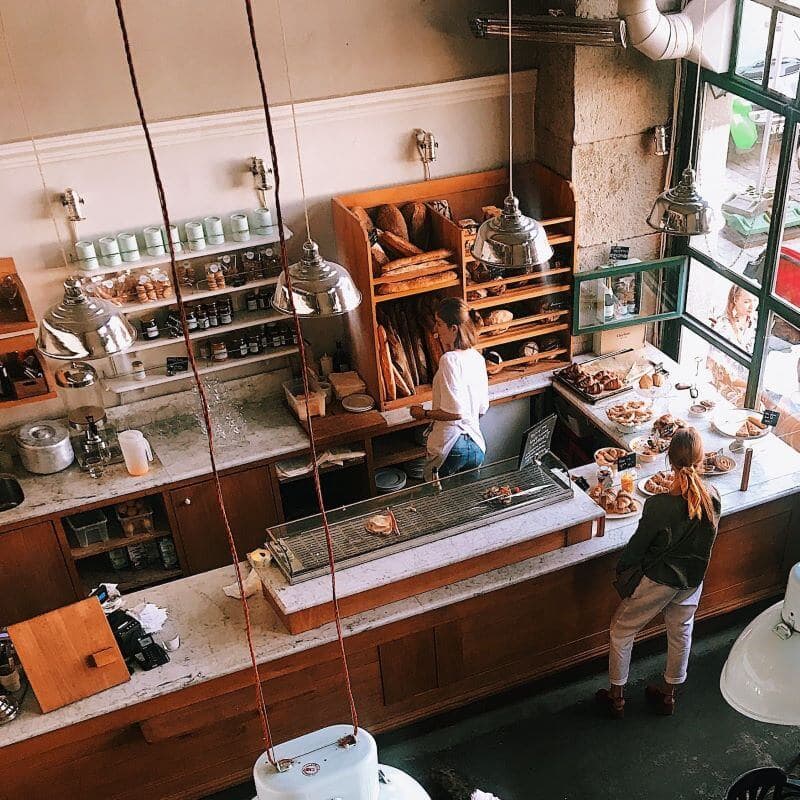 cameranara sees
Staff presence monitoring
Staffing must match demand and standards, but managers lack a real-time view across stores.
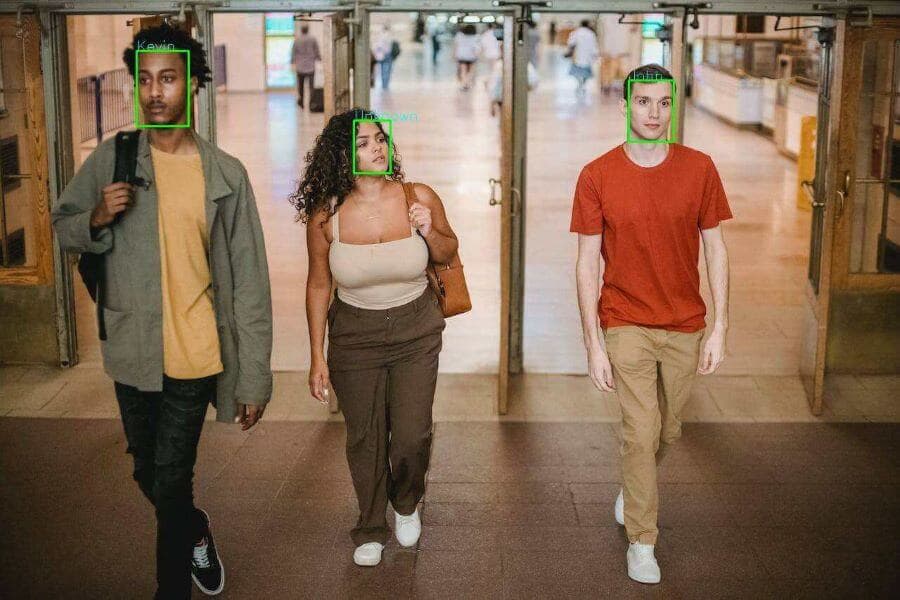
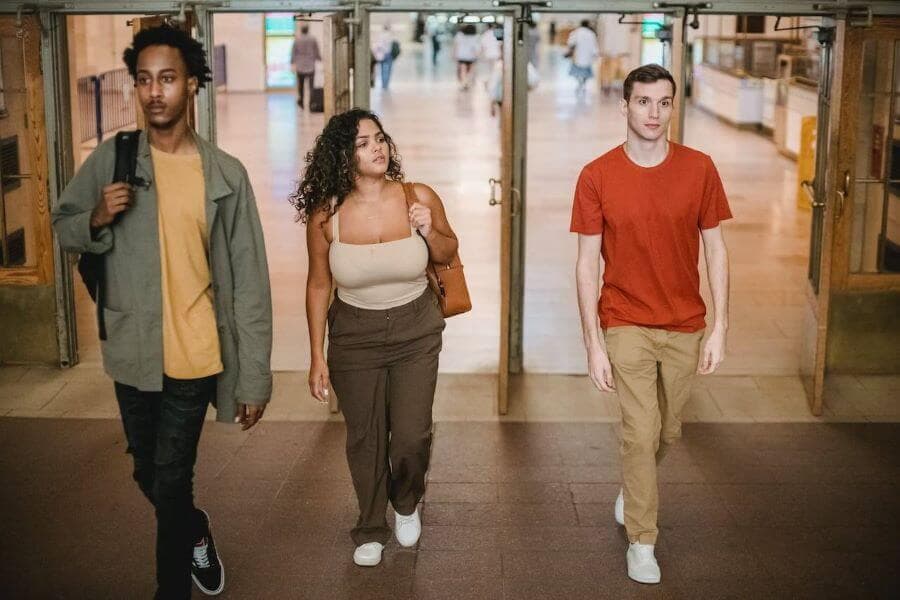 cameranara sees
People counting
Simple door counters double-count people who return or use several entrances.
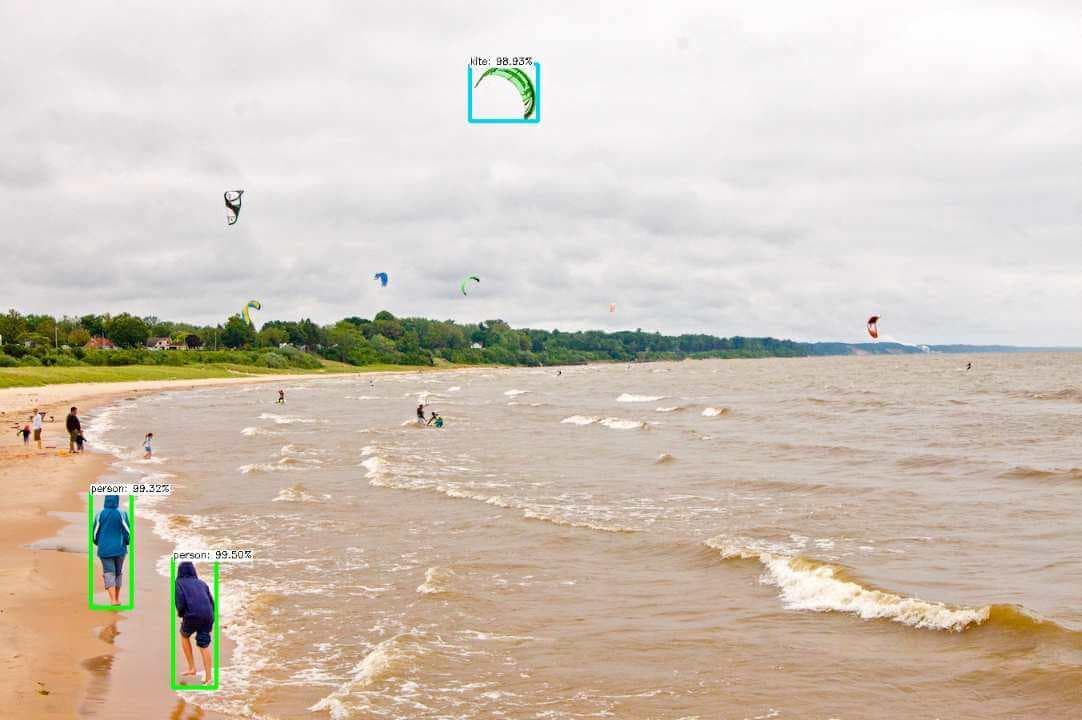
Heatmaps and dwell time
Operators can count visitors, but cannot see where they go, how long they stay or what catches their attention.
Talk to us about queue monitoring.
Tell us about your site, cameras and machines, and we’ll show you how it runs on your own hardware, or download Nara and try it yourself.