
AI defect detection and automatic rejection
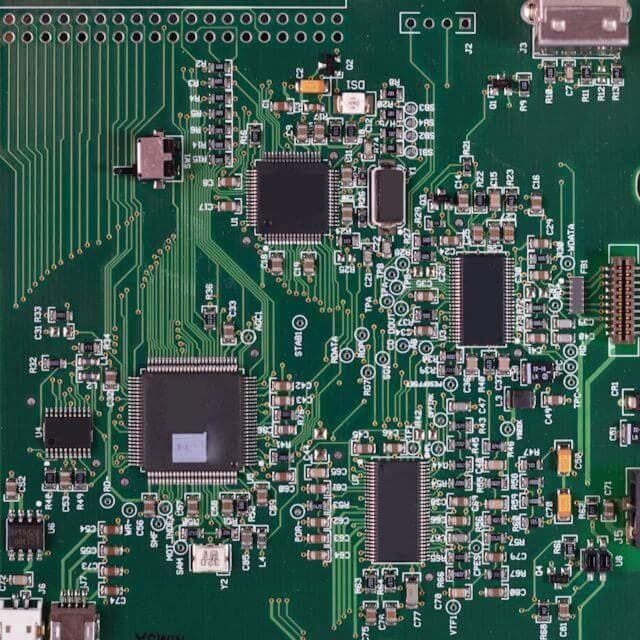
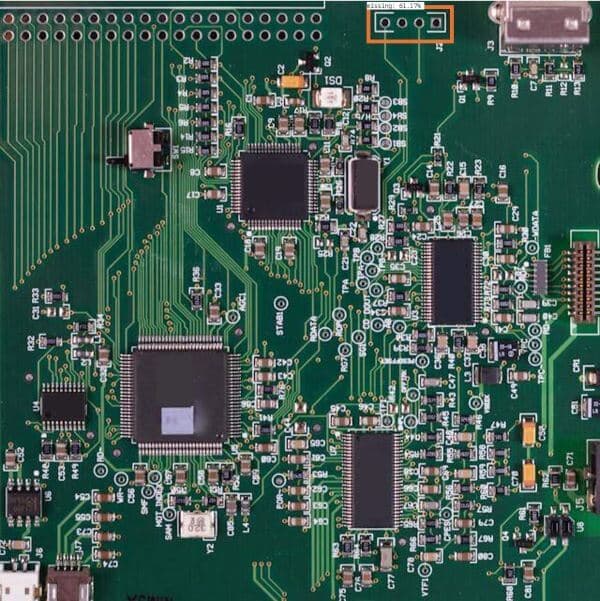
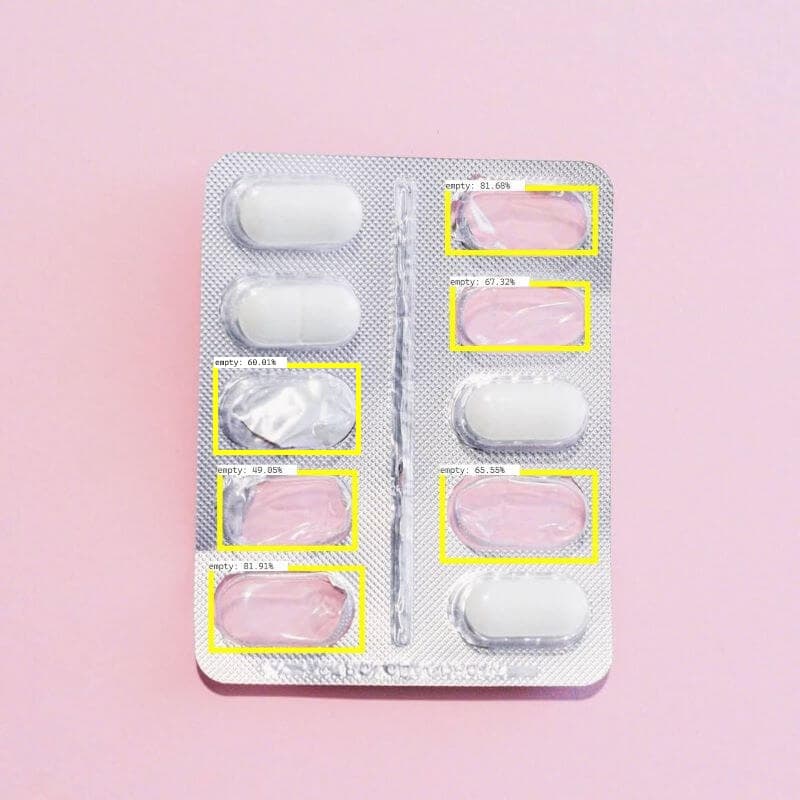
Nara finds defects such as cracks, chips, scratches, dents, discolouration, wet spots and missing seals, and signals your PLC or rejector to remove the item from the line. An image of every defect is saved for review and for retraining the model.
[ 01 ]The problem
Defects must be removed from the line automatically, at line speed, without stopping production.
- 01inputCamera and part sensor on the line
- 02processDefect model trained in Reva on your own parts
- 03actionSignal the PLC or rejector, save the defect image, update the defect-rate dashboard
How it works
A model trained in Reva on images of your good and defective parts runs in a Nara flow. When it finds a defect, Nara signals the PLC or rejector over Modbus or TCP/IP to remove the item, saves the image, and updates the defect rate on the dashboard. Saved images go back into Reva to improve the model over time.
We train a model on your own products or defects in Reva, and Nara runs it on the line.
What you need
- A camera and part sensor at the inspection point
- A PLC or rejector reachable over Modbus or TCP/IP
- Images of good and defective parts to train a model in Reva
Nara building blocks
- Camera nodes
- Custom defect model (Reva)
- Modbus and TCP/IP to PLC
- Image export
- Database table
- Dashboard with defect rate
What it improves
- Defect escape rate
- Reject accuracy (fewer false rejects)
- Throughput kept at line speed
[ 03 ]Where it runs
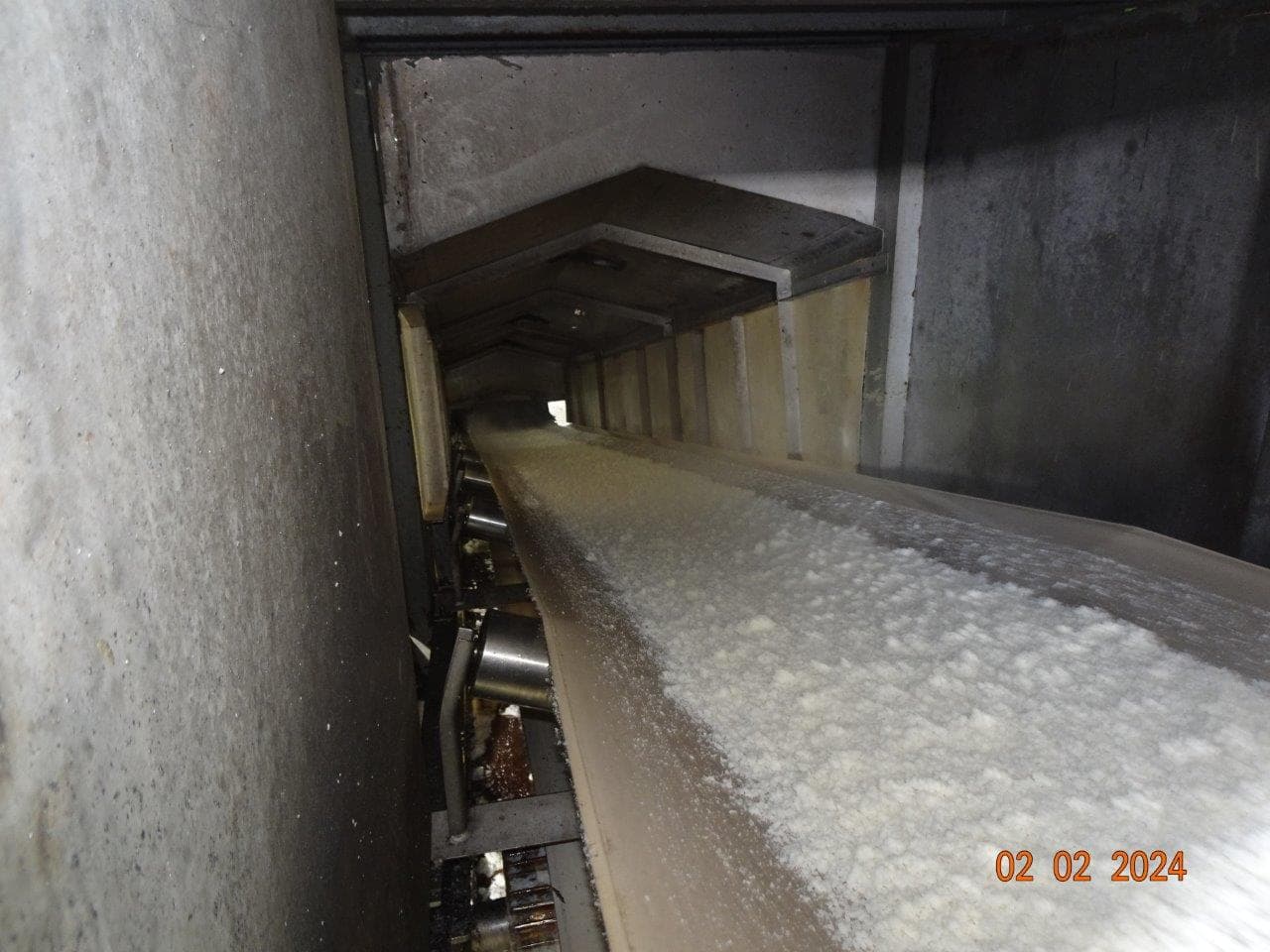
Proof from real deployments.
FAQ
Questions, answered.
What kinds of defects can it find?
Cracks, chips, scratches, dents, discolouration, wet spots, missing seals and other visible defects, once a model has been trained in Reva on images of your parts.
How does the model improve over time?
Nara saves an image of every defect. Those images go back into Reva, where the model is retrained and redeployed to Nara as a Nabrio Model (NAM) file.
Related
Related use cases
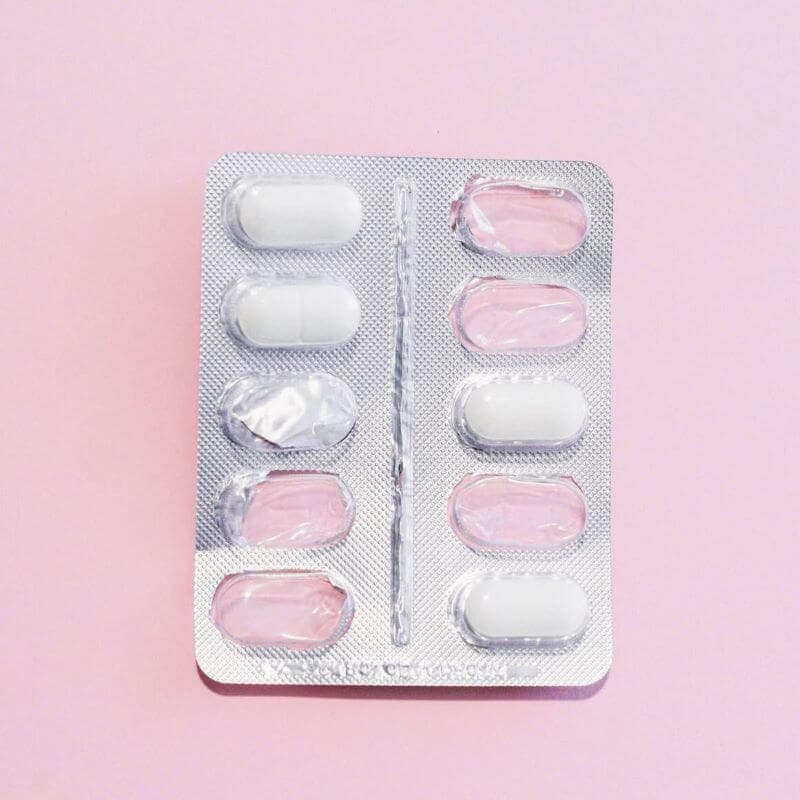 cameranara sees
Visual quality inspection
Visual inspection by people is inconsistent and tiring, and it cannot keep up with line speed or cover every item.
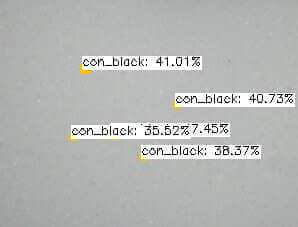
Foreign object detection
Contaminants in bulk product damage quality and customer trust, and manual sampling cannot cover the whole flow.
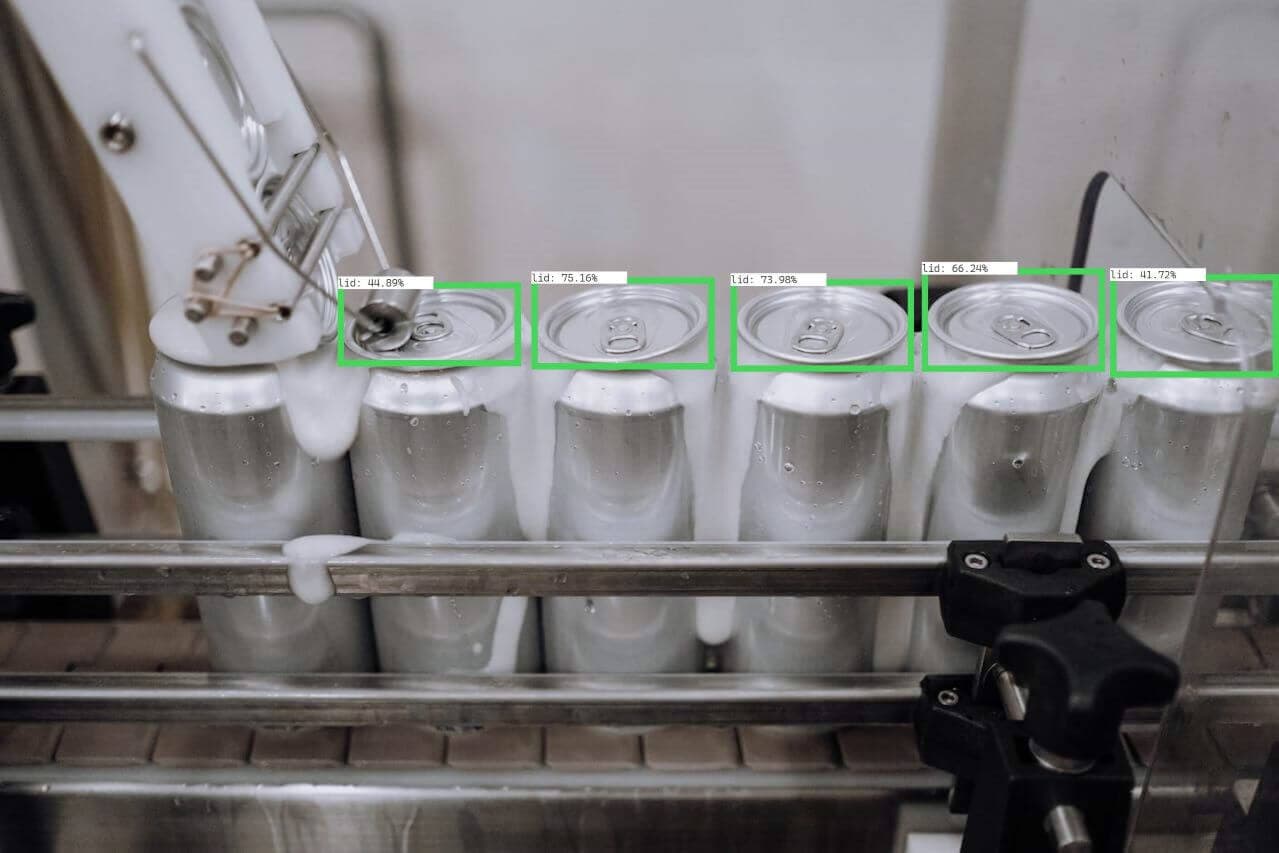
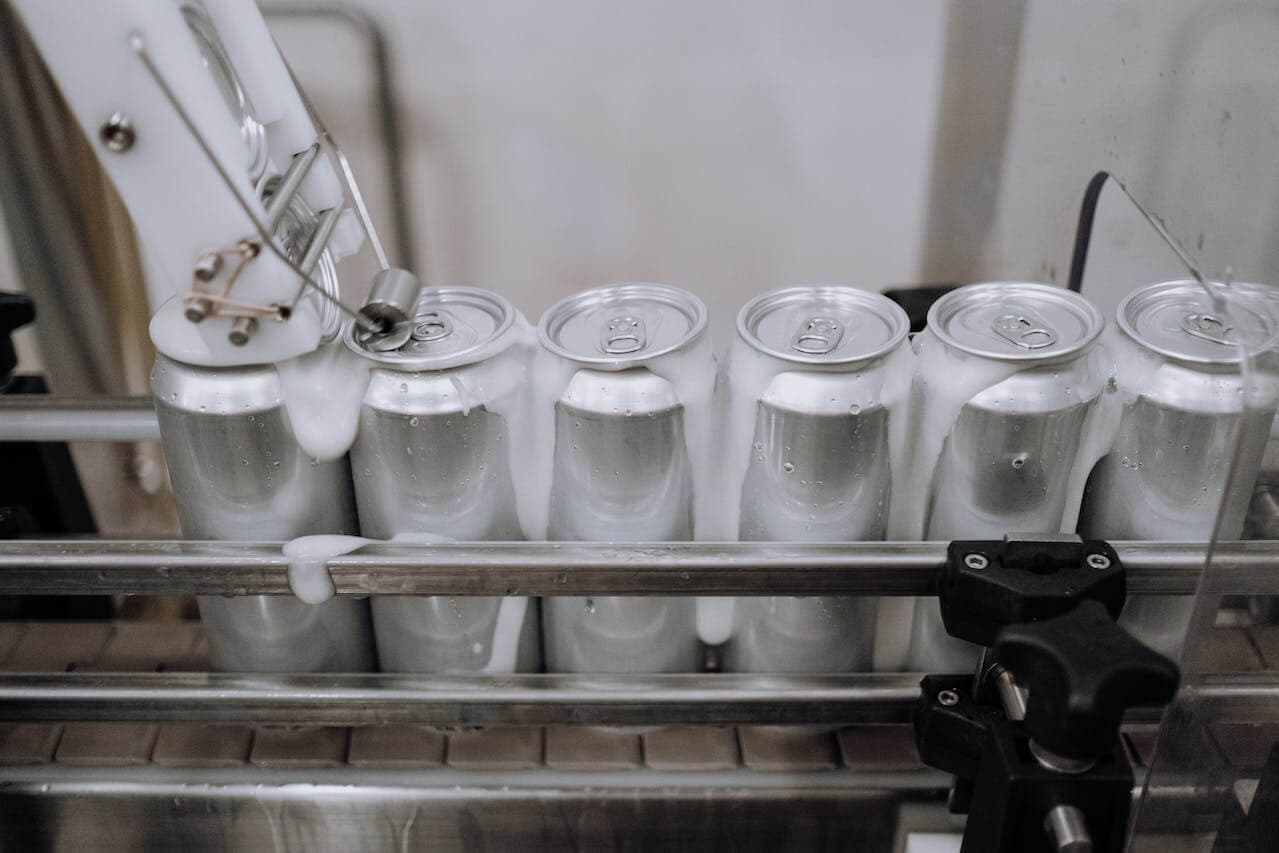 cameranara sees
Assembly verification
Wrong, missing or misplaced parts are found late, which causes rework and recalls.
Talk to us about defect detection and rejection.
Tell us about your site, cameras and machines, and we’ll show you how it runs on your own hardware, or download Nara and try it yourself.