
Occupancy-based lighting and air-conditioning control
Nara counts people in each independent zone of a room and switches lights and air-conditioning on or off to match, through smart relays, building automation, or platforms such as Home Assistant over HTTP or MQTT. Empty areas stop using electricity, zone by zone.
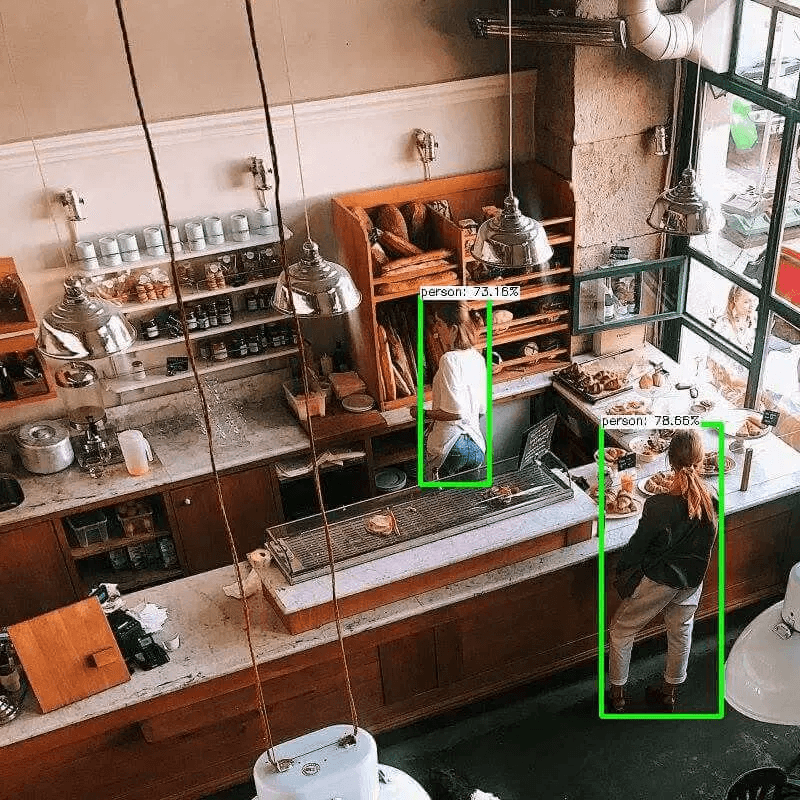
[ 01 ]The problem
Lights and air-conditioning run in empty rooms and zones.
- 01inputCameras over each room
- 02processPeople count per independent zone
- 03actionSwitch lights and air-conditioning on or off, and report energy use
How it works
Nara counts people in each zone you draw. When a zone empties, it switches that zone’s lights and air-conditioning off through smart relays, building automation, or a platform such as Home Assistant over HTTP or MQTT, and switches them back on when people return. The same counts give utilisation figures for each room.
Works with Nara’s built-in models. You set up the zones, rules and outputs.
[ 02 ]Variations
The same building blocks, applied a few ways.
- 01
Lighting and air-conditioning
People counts per zone switch lights and AC on or off through smart relays, building automation or Home Assistant.
- 02
Space and meeting-room utilisation
People counts and dwell time per room or desk area feed utilisation dashboards, booked-but-empty alerts and space planning.
What you need
- Cameras covering each room
- Smart relays, building automation or Home Assistant reachable over HTTP or MQTT
Nara building blocks
- Camera nodes
- People detection per zone
- If
- HTTP and MQTT to relays or building platforms
- Database table
- Dashboard
- AI model: People detection
What it improves
- Electricity used in empty areas
- Zone-by-zone control, not all-or-nothing
- Space utilisation data
[ 03 ]Where it runs
Proof from real deployments.
FAQ
Questions, answered.
Does it work with Home Assistant?
Yes. Nara works with Home Assistant over HTTP, webhooks or MQTT, and with smart relays and building automation the same way.
Does any video leave the site?
No. Nara processes video on your own hardware. Data is sent elsewhere only if you build a flow that sends it, for example an alert to your own MQTT broker.
Related
Related use cases
 cameranara sees
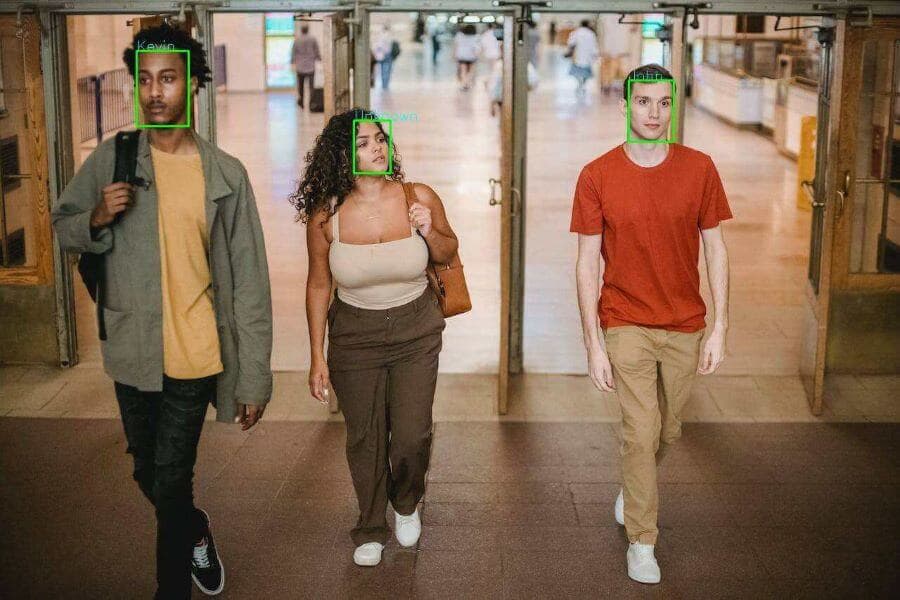
People counting
Simple door counters double-count people who return or use several entrances.
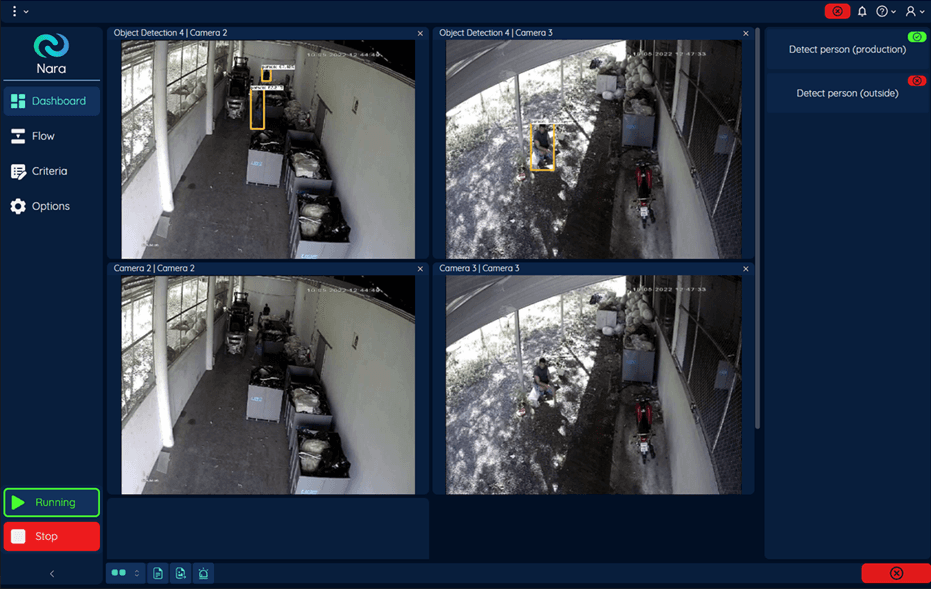
Intrusion detection
Sites need to know straight away when people or vehicles enter closed areas after hours, without a guard watching every screen.
 cameranara sees
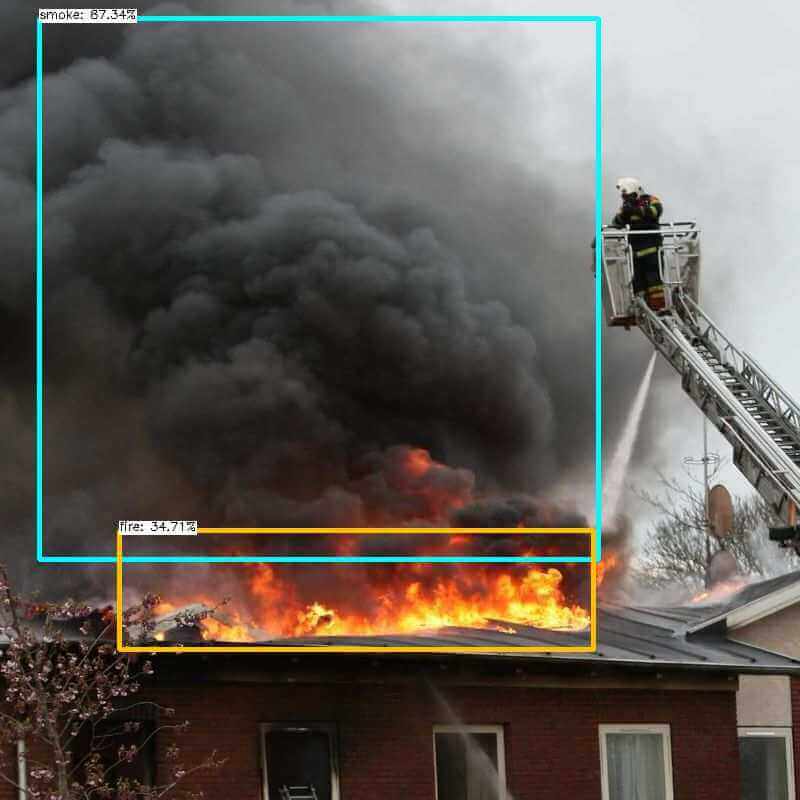
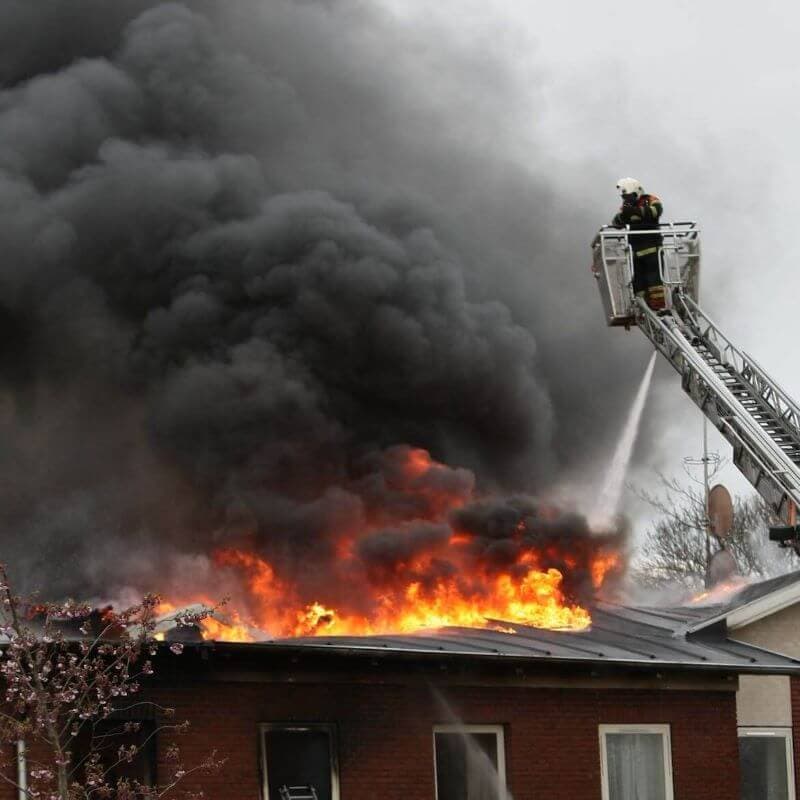
Fire and smoke detection
Conventional smoke detectors react late in large or open spaces such as warehouses, car parks and atriums.
Talk to us about occupancy-based energy control.
Tell us about your site, cameras and machines, and we’ll show you how it runs on your own hardware, or download Nara and try it yourself.