
Danger zone monitoring around robots, cranes and machines
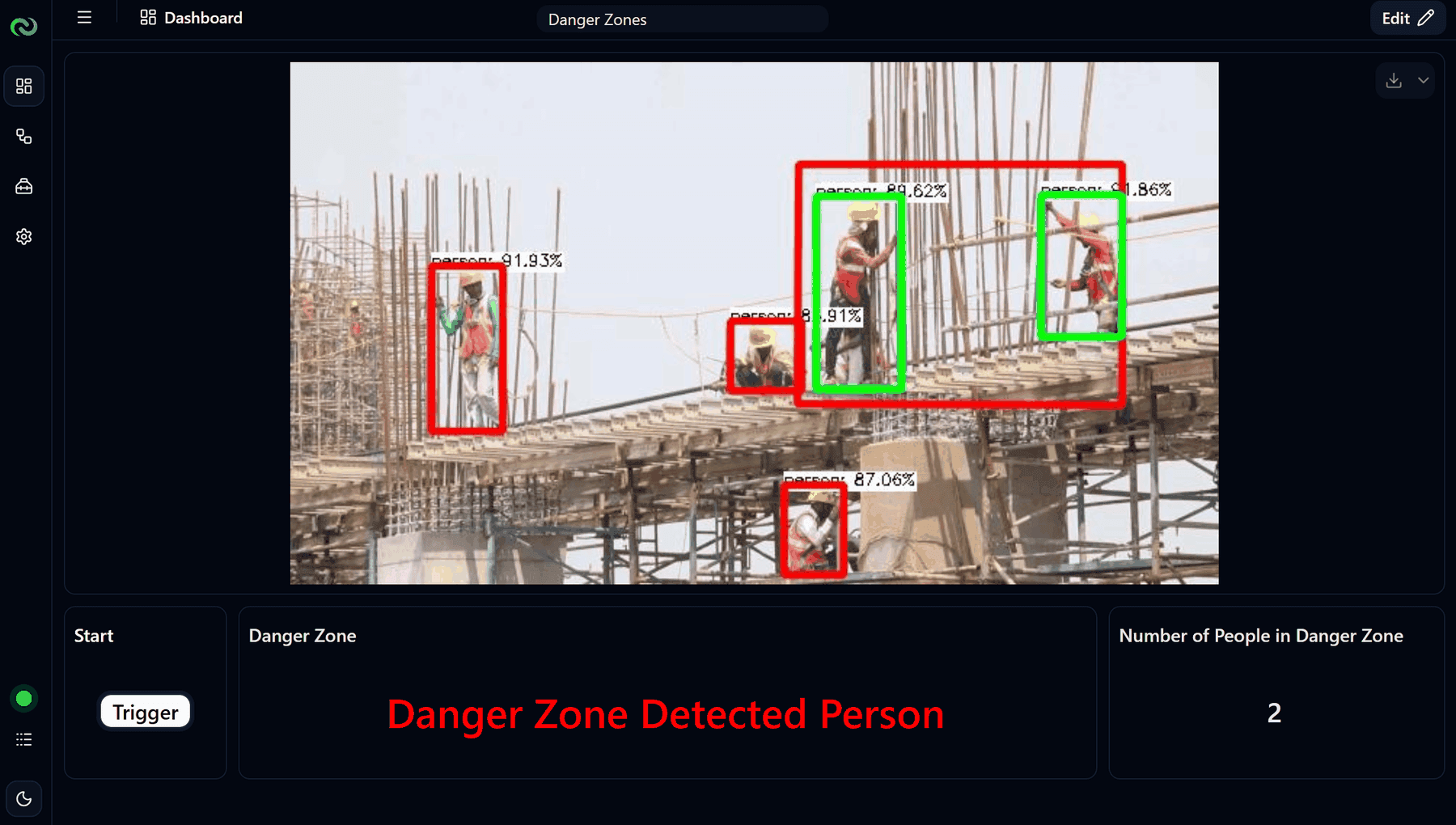
Nara detects people inside the danger zones you draw around robot cells, cranes and machines. It can act only while the machine is running, read over Modbus, and it sounds an alarm, slows or stops the machine through the PLC, and logs the event.
[ 01 ]The problem
People enter robot cells, crane zones or machine areas while the equipment is running.
- 01inputCamera over the machine area
- 02processPeople detection in drawn danger zones, optionally only while the machine runs (read over Modbus)
- 03actionAlarm, slow or stop the machine through the PLC, log the event
How it works
Draw the danger zones on the camera view. Nara detects people in each zone and, if you want, reads the machine’s running state over Modbus so it only reacts while the machine is moving. When someone enters, it switches the alarm, writes a slow-down or stop signal to the PLC, and logs the event with an image.
Works with Nara’s built-in models. You set up the zones, rules and outputs.
[ 02 ]Variations
The same building blocks, applied a few ways.
- 01
Robot cells, cranes and machines
People detection in drawn zones around moving equipment, optionally only while the machine runs, with alarm and PLC stop signals.
- 02
Height risk and climbing
People detection and pose in zones near edges and railings, with an immediate alert when someone climbs or enters a height-risk area.
- 03
Blocked walkways and fire exits
A zone on the pathway raises an alert when an object stays there longer than a set time, with an evidence image for the area owner.
What you need
- A camera covering the machine area
- A PLC reachable over Modbus for machine state and stop signals
- Optional: a tower light or siren
Nara building blocks
- Camera nodes
- People detection
- Zones
- Modbus read and write
- Tower light
- Database table
- Dashboard
- AI model: People detection
- AI model: Object tracking and analytics
What it improves
- Near misses
- Incident response time
- Safety compliance
FAQ
Questions, answered.
Is there a guide for setting it up?
Yes. The free “Danger zone monitoring” course on help.nabrio.com walks through the flow step by step.
Can we use the cameras we already have?
Usually, yes. Nara reads standard IP cameras over RTSP, as well as Basler industrial cameras, USB webcams and video files.
Related
Related use cases
 cameranara sees
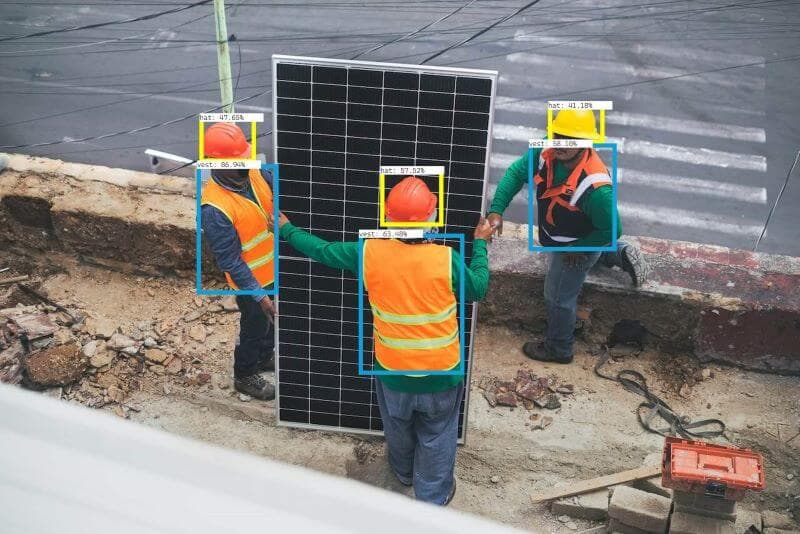
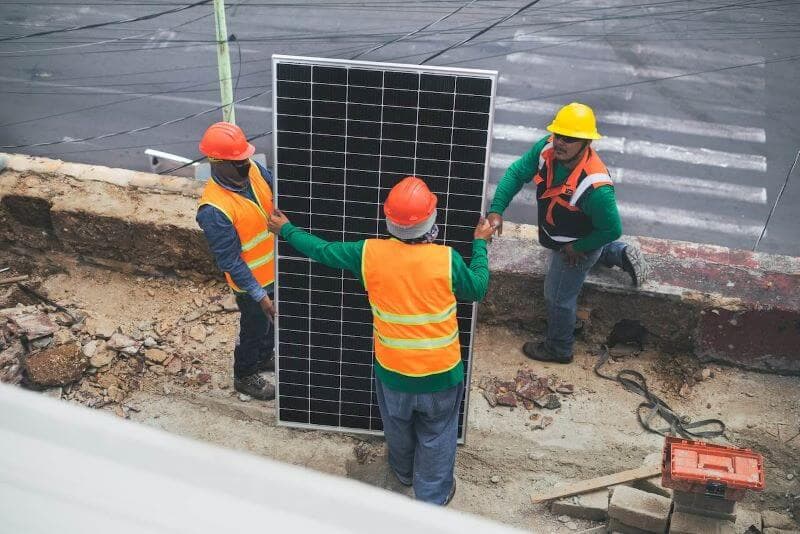
PPE detection
PPE rules (helmets, vests, masks, hairnets, gloves, coats) are hard to enforce at all times in every area.
 cameranara sees
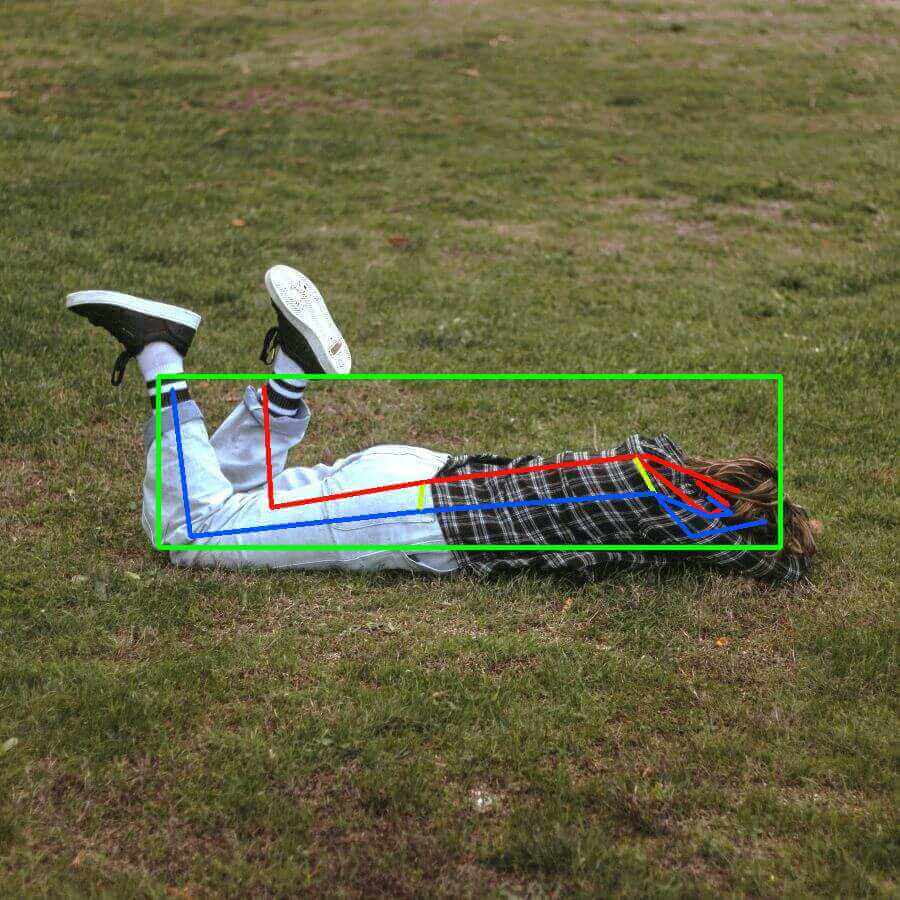
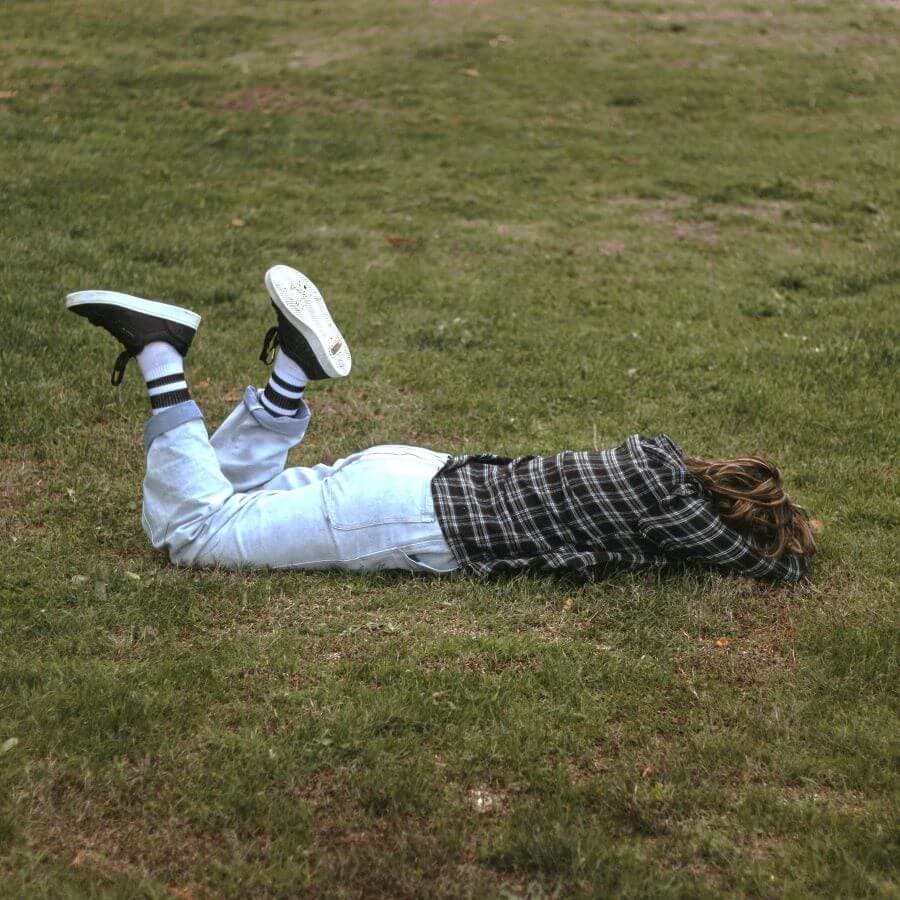
Fall detection
A person who has collapsed or fallen, especially when alone, may not be found quickly.
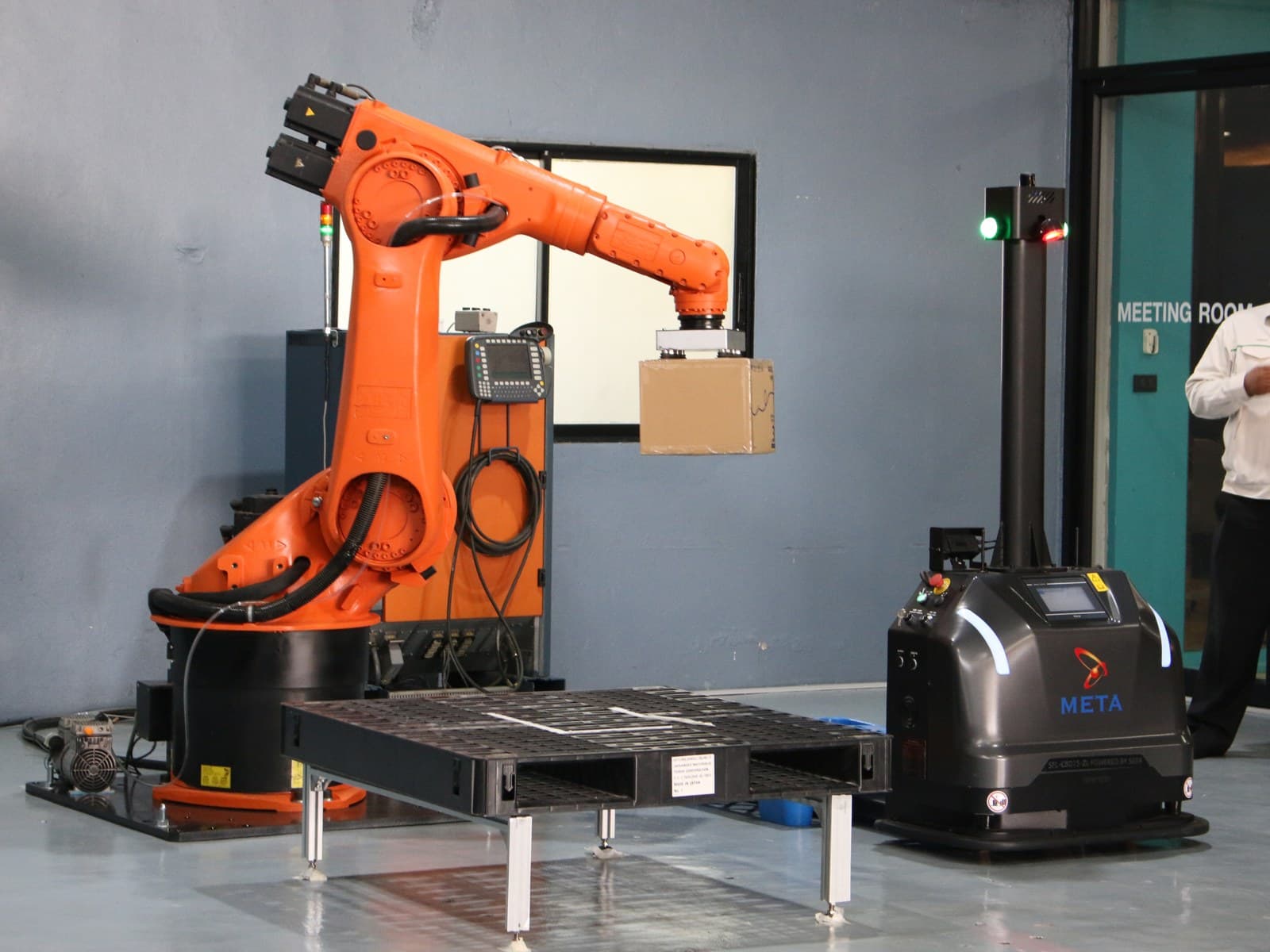
Robot and AMR orchestration
Robots and AMRs follow fixed programs and do not react to what is actually on the line.
Talk to us about danger zone monitoring.
Tell us about your site, cameras and machines, and we’ll show you how it runs on your own hardware, or download Nara and try it yourself.