
Machine and stack-light status monitoring for older equipment
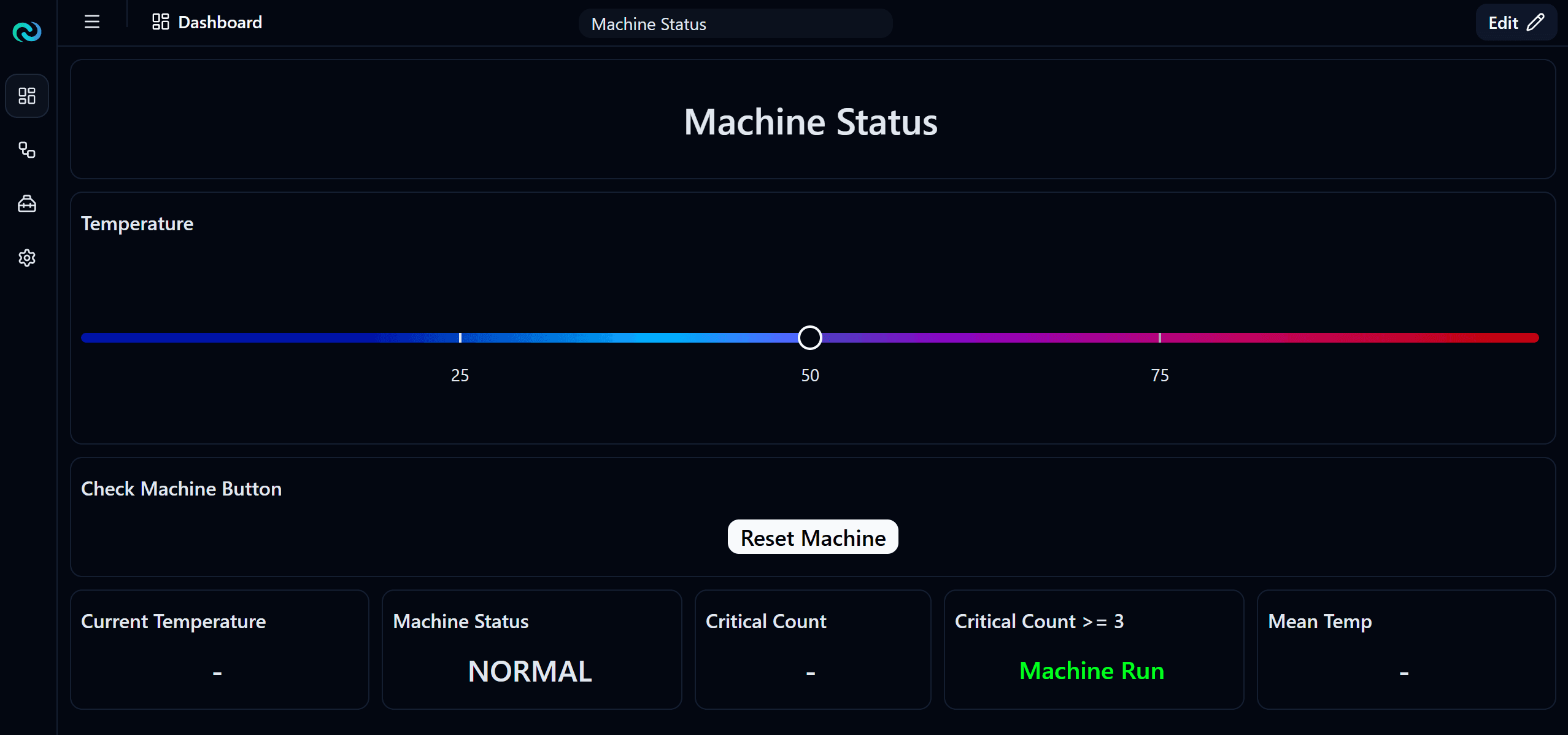
Older machines often have no network interface, so their state is invisible. Nara watches the stack light or HMI with a camera, works out the machine state from colour or on-screen text, and logs running time and downtime for dashboards and alerts. Machines with Modbus are read directly.
[ 01 ]The problem
Old machines have no network interface, so their state is invisible to managers.
- 01inputCamera on the stack light or HMI, or Modbus where available
- 02processColour or OCR checks per zone
- 03actionLog machine state and downtime, with dashboards and alerts
How it works
Nara checks the colour of each stack-light segment, or reads the HMI text with OCR, and turns it into a machine state. State changes and downtime are stored in the database and shown on dashboards, and alerts go to the right people. Machines that already speak Modbus are read directly, with no camera needed.
Works with Nara’s built-in models. You set up the zones, rules and outputs.
What you need
- A camera with a view of the stack light or HMI
- Or Modbus access to the machine controller
Nara building blocks
- Camera nodes
- Colour detection per zone
- OCR
- Modbus read
- Database table
- Dashboard
- Notifications
- AI model: OCR (text reading)
What it improves
- OEE visibility
- Downtime reasons
- Faster response
FAQ
Questions, answered.
Is there a guide for setting it up?
Yes. The free “Machine status” course on help.nabrio.com walks through the flow and dashboard step by step.
Can we use the cameras we already have?
Usually, yes. Nara reads standard IP cameras over RTSP, as well as Basler industrial cameras, USB webcams and video files.
Related
Related use cases
Gauge reading
Operators walk rounds to read and write down gauges and meters. Readings are infrequent and sometimes wrong.
Robot and AMR orchestration
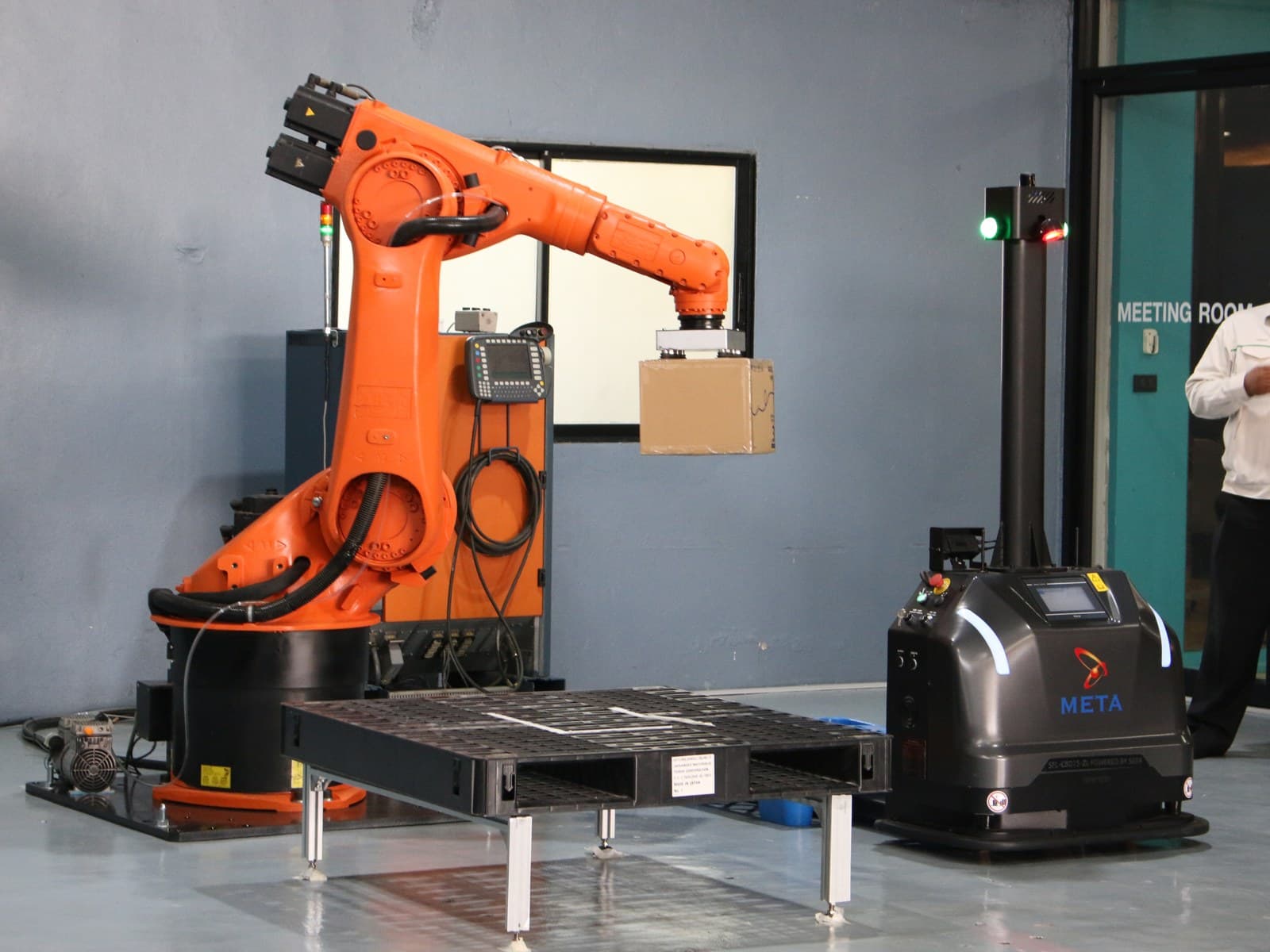
Robots and AMRs follow fixed programs and do not react to what is actually on the line.
Item and pallet counting
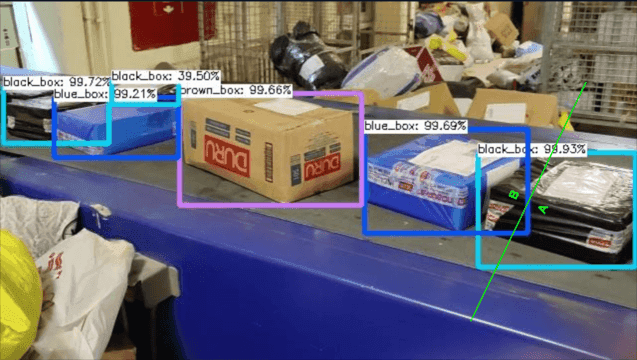
Manual counts of output, pallets, parts or batches are slow, error-prone and never real-time.
Talk to us about machine status monitoring.
Tell us about your site, cameras and machines, and we’ll show you how it runs on your own hardware, or download Nara and try it yourself.